How the Artlist 3D Model Generator Turns a Sentence or Photo into a GLB (2026)
Last verified: 2026-11-08
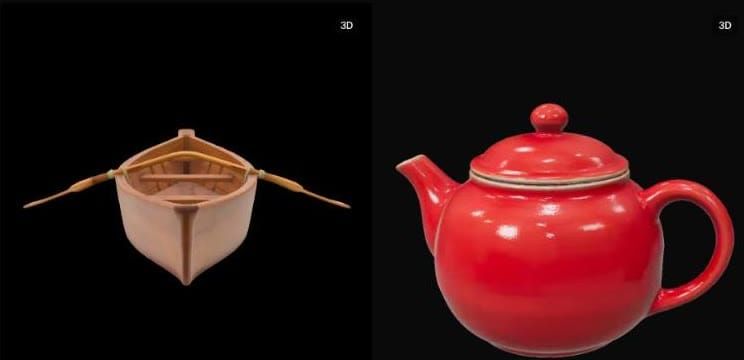
Next to image and video in how Artlist works sits a 3D tool: type a sentence or attach a picture, then download a textured .glb. Our rowing boat from text cost 300 credits and our teapot from an image 900, both on Medium quality on a Max Pro account.
Which 3D models does Artlist offer?
| Model | Starting price |
|---|---|
| Hyper3D Rodin v2.5 Fast | 300 |
| Tripo H3.1 | 600 |
| Hyper3D Rodin v2.5 | 740 |
| Meshy v7 | 3600 |
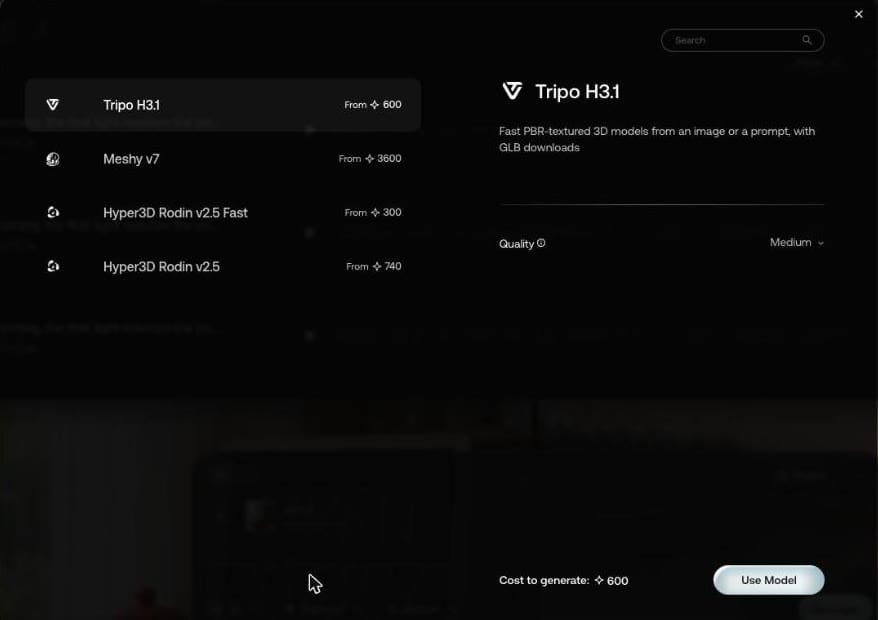
Artlist describes Tripo H3.1 as "Fast PBR-textured 3D models from an image or a prompt, with GLB downloads". Its panel has one setting, Quality. The panel price can move: Tripo H3.1 said 600 credits with no image, and Generate said 900 with our image attached.
Can Artlist make a 3D model from text?
Yes. Hyper3D Rodin v2.5 Fast, 300 credits:
A small wooden rowing boat with two oars resting inside
The result is in the screenshot above, oars out to the sides rather than resting inside. Download the GLB, 1.7 MB.
Can it turn an image into 3D?
Yes. Attach an image as a reference, for instance with Add to Prompt on a result from the Artlist AI image generator, then describe it. Tripo H3.1, 900 credits:
A red ceramic teapot with a lid and curved handle
Our reference was the Seedream teapot, with a sign and flowers behind it. The model came back as the teapot alone.
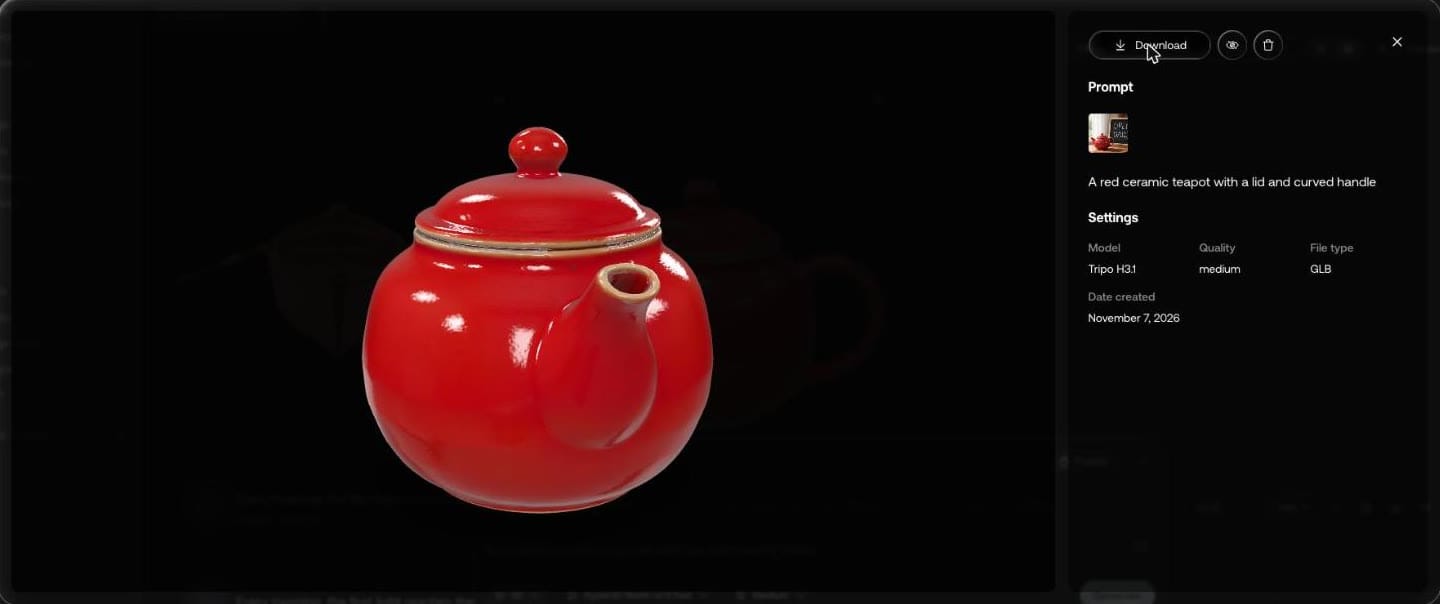
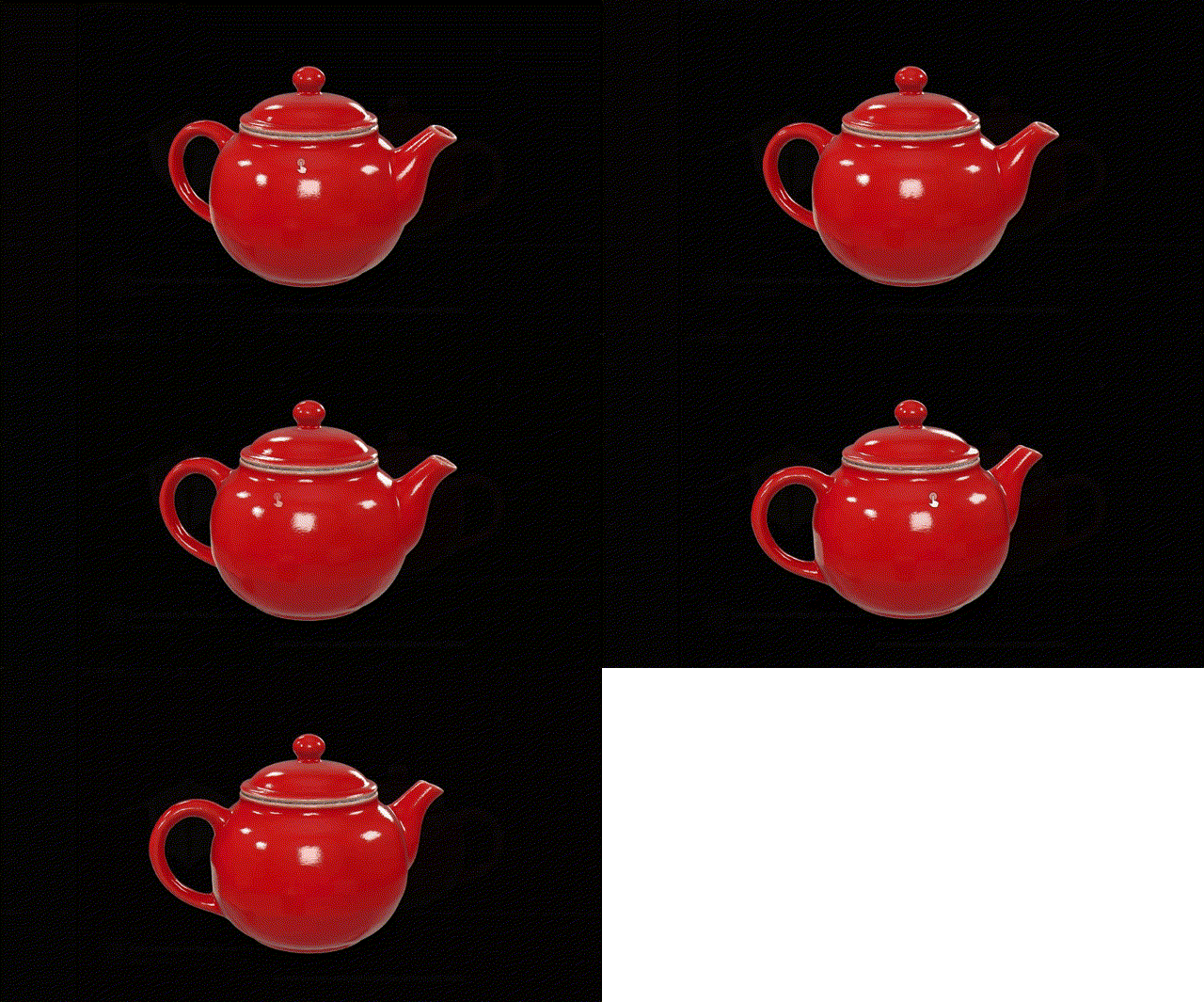
Download the GLB, 3.4 MB.
Same teapot, a third of the price?
A day later we gave the same Seedream teapot picture to Hyper3D Rodin v2.5 Fast, with the same sentence, on High quality. It cost 300 credits against Tripo H3.1's 900.
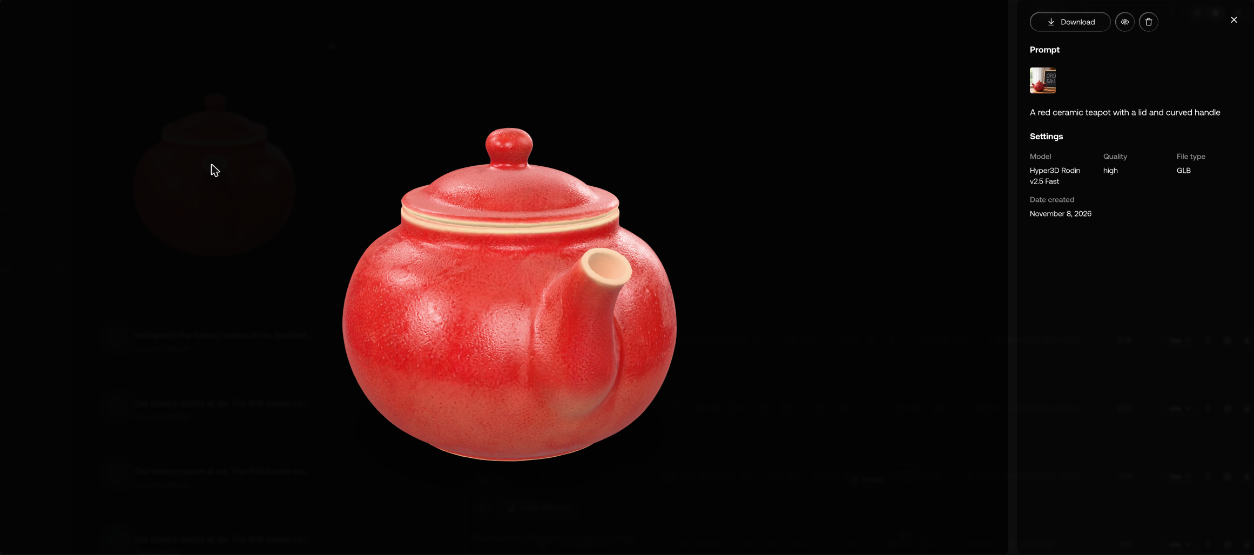
From the side, with the handle:
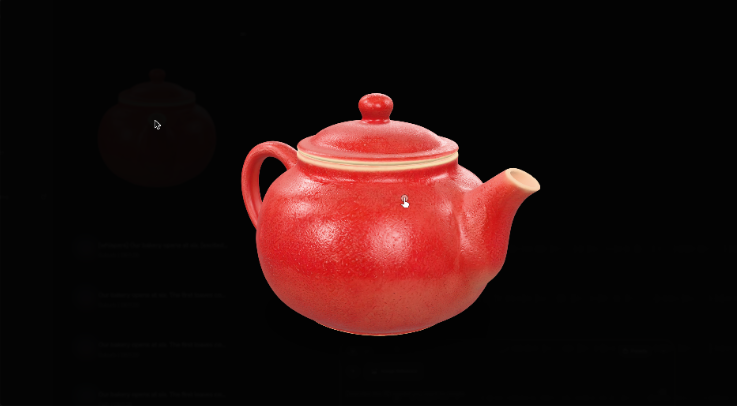
Download the GLB, 2.4 MB. Here is what is inside the three files we made:
| Rodin v2.5 Fast, boat | Tripo H3.1, teapot | Rodin v2.5 Fast, teapot | |
|---|---|---|---|
| Input | Text | Image | Image |
| Quality | Medium | Medium | High |
| Credits | 300 | 900 | 300 |
| Triangles | 19,594 | 19,982 | 19,838 |
| Textures | 3 at 2048 x 2048 | 3 at 2048 x 2048 | 3 at 2048 x 2048 |
| File size | 1.7 MB | 3.4 MB | 2.4 MB |
All three came out at just under 20,000 triangles with three 2K texture maps, and each came back as GLB only.
What does quality change in the price?
On Rodin v2.5 Fast, nothing. Artlist quoted 300 credits for Low, Medium and High, from text or from an image. Tripo H3.1 rises with both:
| Tripo H3.1 | Credits |
|---|---|
| Text, Medium | 600 |
| Image, Medium | 900 |
| Image, High | 1,800 |
How do you generate a 3D model on Artlist?
- Open 3D in the left menu of the AI tools.
- Type what the object is. To work from a picture, add an Image Reference.
- Pick a model and open Quality.
- Hold the pointer over Generate for the credit price, then press it.
For how 3D fits next to the rest of your balance, see Artlist AI credits.
If 3D is why you're buying, our Artlist discount code gives 2 free months on annual plans.