Artlist Downloads, Favorites, Artboards and Collections (2026)
Last verified: 2026-11-08
Press the arrow on any catalog asset in how Artlist works to download it. The star adds it to favorites, artboards are collections you name yourself, and Spotlight holds Artlist's curated collections.
What format does each asset download in?
| Asset | Choices on screen |
|---|---|
| Music | MP3, WAV |
| Stems | One stem with its arrow, or Download All Stems as WAV or MP3 |
| Sound effects | AAC, WAV on the effect we checked |
| Footage | HD, 4K ProRes, 4K MP4, LOG on the clip we opened |
| Video templates | One button per editor |
| LUTs | Direct download of a .cube file |
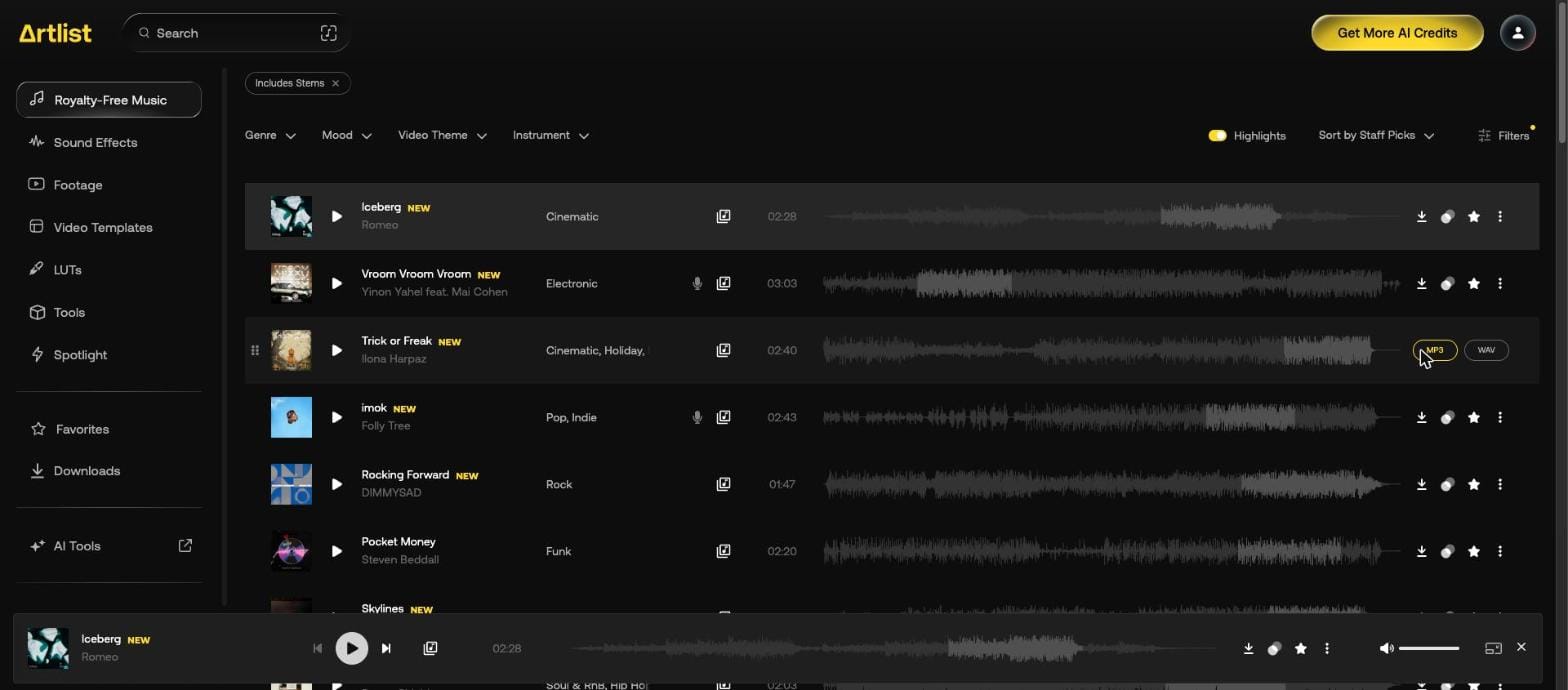
The Artlist stems and song versions page shows the stem download.
What do the downloaded files look like?
| Asset | File name | Format | Size |
|---|---|---|---|
| Song version, MP3 | Shtriker Big Band - Lemonade - Short version.mp3 | 320 kbps, 44.1 kHz, stereo, 0:25 | 1.0 MB |
| Stem, WAV | Beyond the Algorithm - Synth Bass.wav | 24-bit, 44.1 kHz, stereo, 2:20 | 37.3 MB |
| Sound effect, WAV | Final Cat Studio - A Day in A Life - Kitchen Room Tone Fridge Hum .wav | 24-bit, 96 kHz, stereo, 1:52 | 64.3 MB |
| Footage, HD | 631322_Woman Sidewalk Customer Cafe_By_Pressmaster_Artlist_HD.mp4 | 1920 x 1080, H.264, 25 fps, 0:11 | 27.2 MB |
| Template, Premiere Pro | 130670_Minimal Lower Thirds_By_ToresMotion_Artlist.zip | Project, tutorial and link files | 9.8 MB |
| LUT | Lumina.cube | 3D LUT, 33-point | 970 KB |
Songs and effects start with the artist or creator, stems with the song title. Footage and templates add the catalog number and "_Artlist".
How many assets can you download a day?
The Artlist Help Center gives these daily limits. The counter resets at midnight UTC, and downloading something again from your history doesn't count.
| Asset | Per day |
|---|---|
| Songs | 40 |
| Sound effects | 100 |
| Clips | 100 |
| Templates | 40 |
| LUTs | 40 |
| AI generations | No daily limit |
How do you see what you already downloaded?
The Downloads item in the left menu holds your history, with re-download links and license certificates, plus cue sheets for songs. It's tied to your account, so it works from any computer, and you can filter by All Time, Yesterday, Last 7 days or Last 30 days.
A downloaded track also keeps a yellow marker on its row, including after a page reload.
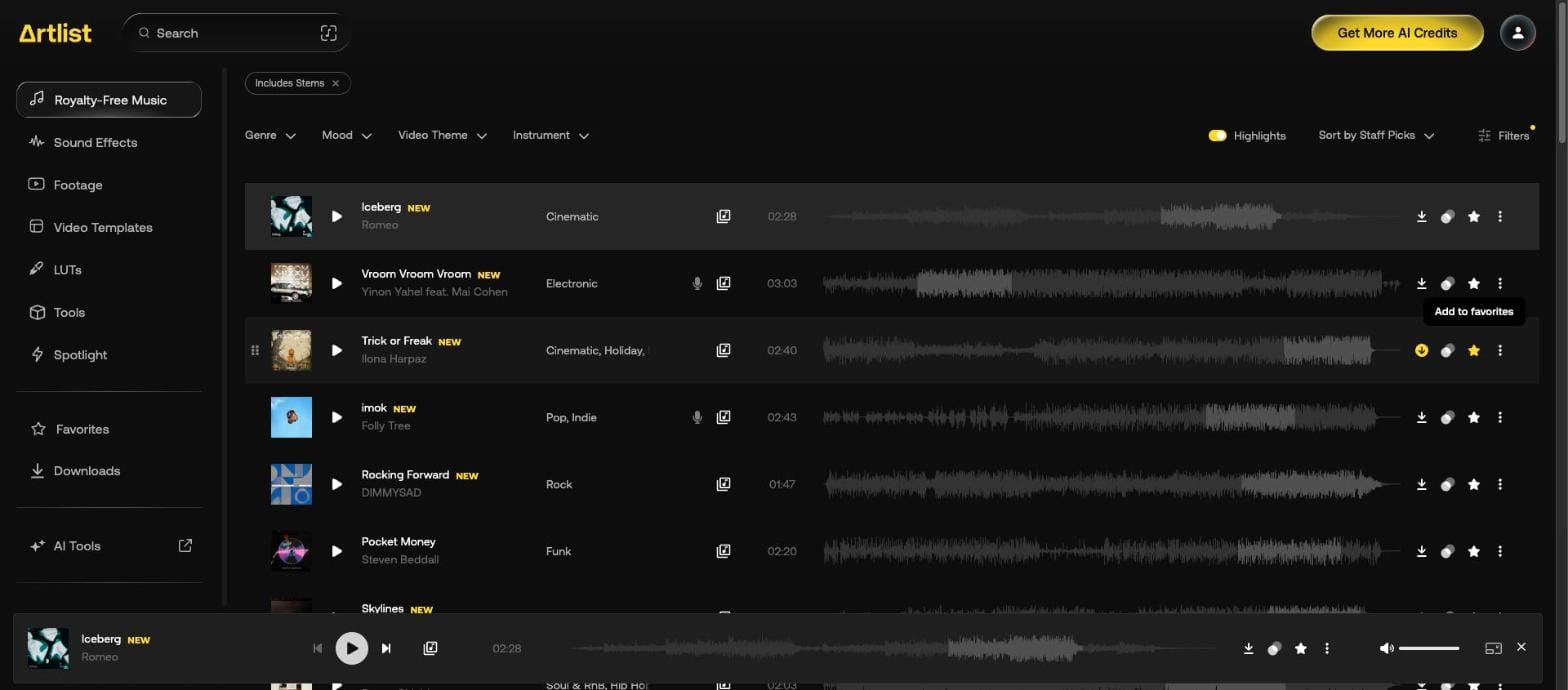
To remove those tracks from results, use Hide Downloaded Songs, covered on how to find music on Artlist.
How do Artlist favorites work?
Press the star on an asset. The tooltip reads "Add to favorites". Once pressed, the star turns yellow and the tooltip changes to "Remove from Favorites", so the same button undoes it.
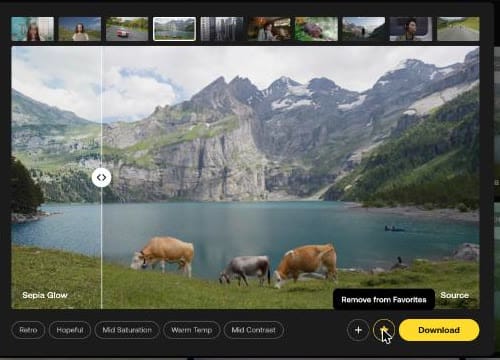
Favorites has its own item in the left menu. The Help Center says there's no limit and that they sync across devices.
What are Artlist artboards?
Named collections you make yourself, listed under Artboards in the left menu. On a track, open the three dots and hover over Add to Artboard to pick one or press Create New Artboard.
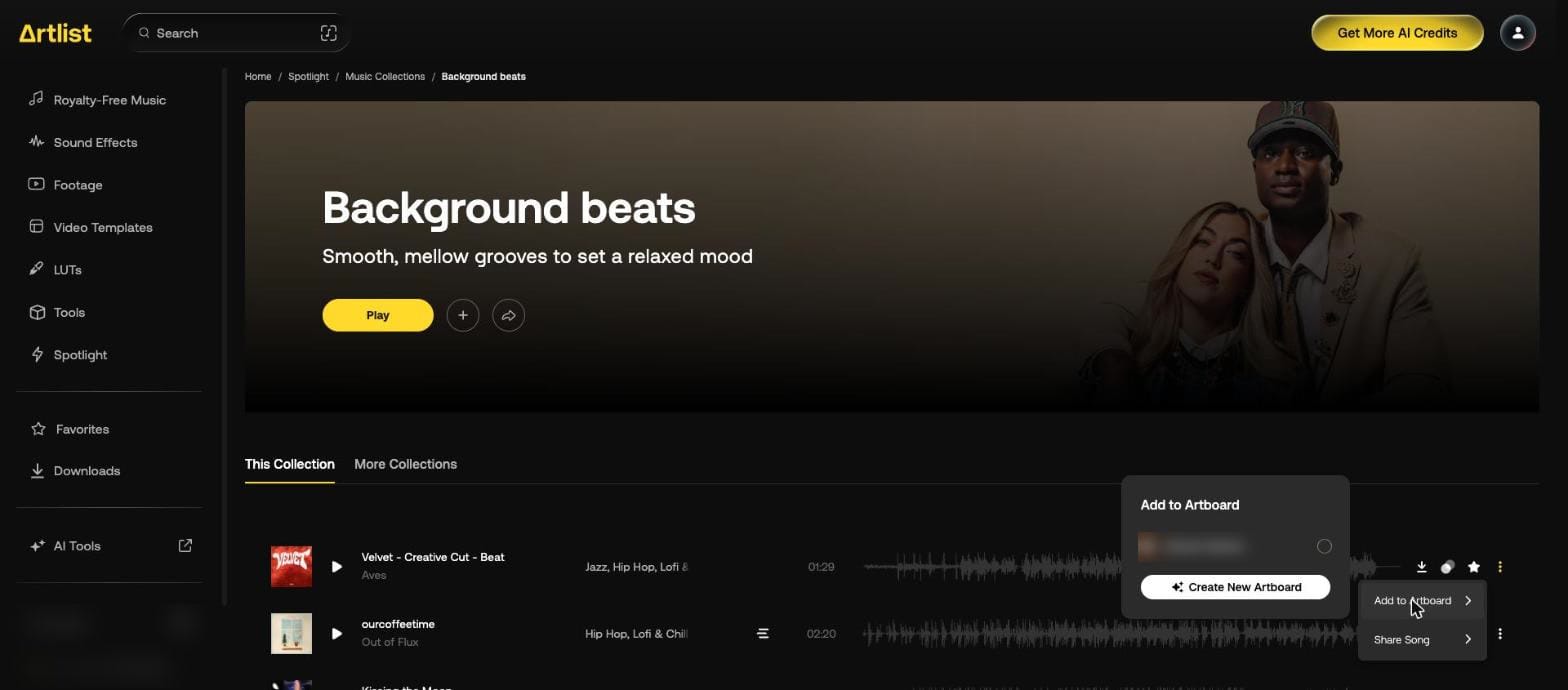
The Help Center adds that you can share an artboard with its share icon, and the person you send it to needs no account. Assets on an artboard download one at a time.
How do you make an artboard and fill it?
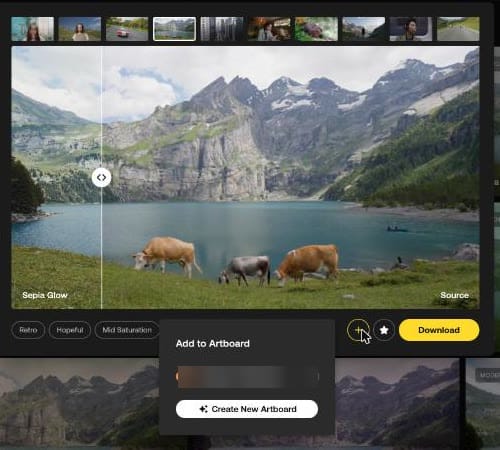
We made one called "Guide tests" from a LUT. In the LUT's larger preview, the plus opens Add to Artboard with Create New Artboard at the bottom.
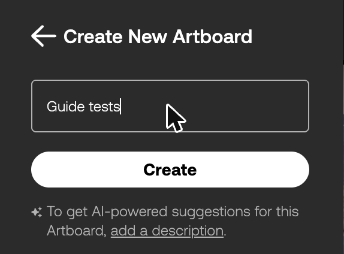
The form has one Name field and Create. A line underneath reads "To get AI-powered suggestions for this Artboard, add a description." The description is optional.
Create made the artboard and added the LUT to it in one step. A notice read 'LUT added to "Guide tests"' with a Go to Artboard link, and the artboard appeared in the left menu.
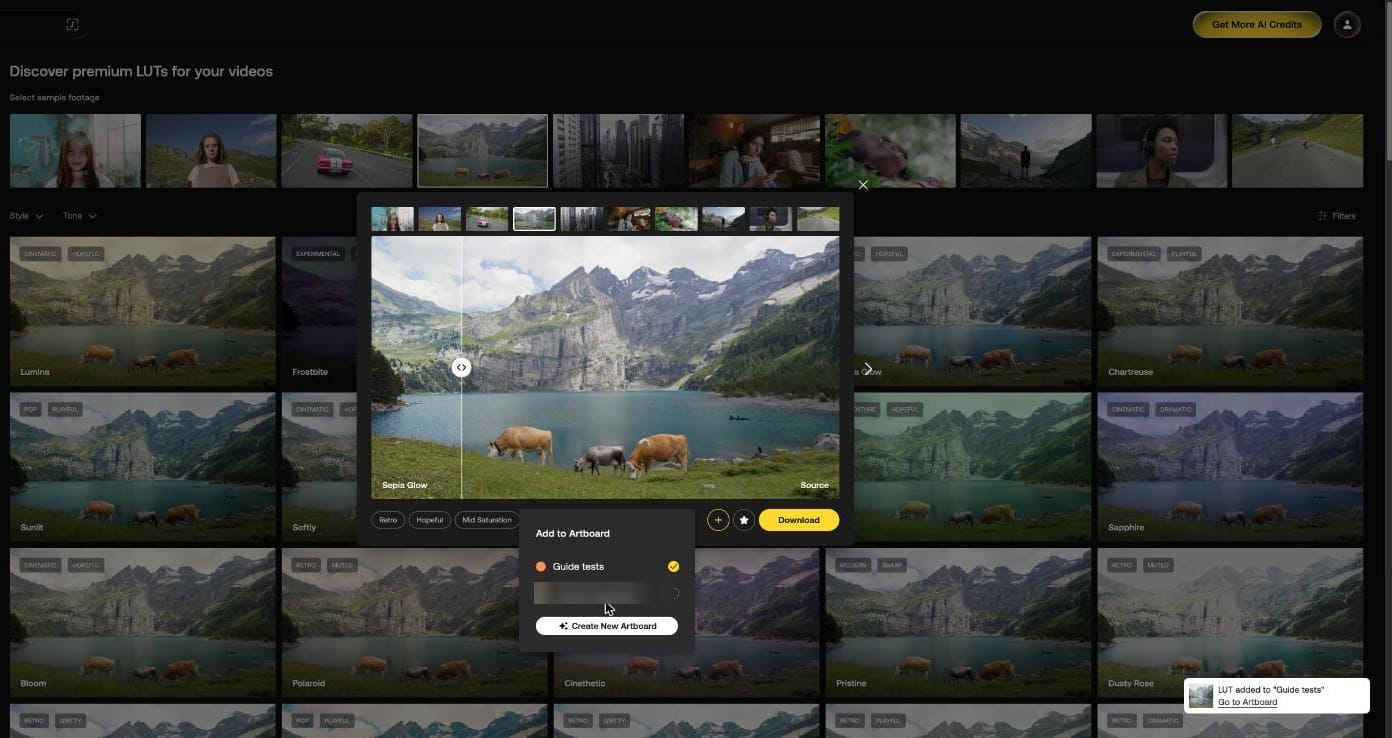
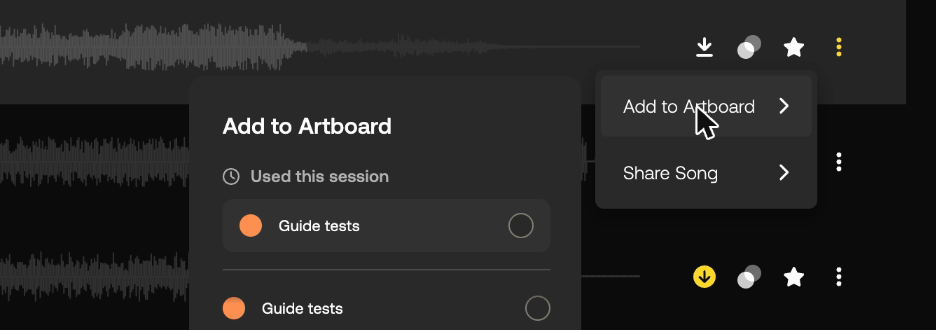
Next we added a song from the music list: three dots, then Add to Artboard. The menu now opened with a Used this session group at the top. The notice read 'Song added to "Guide tests"'.
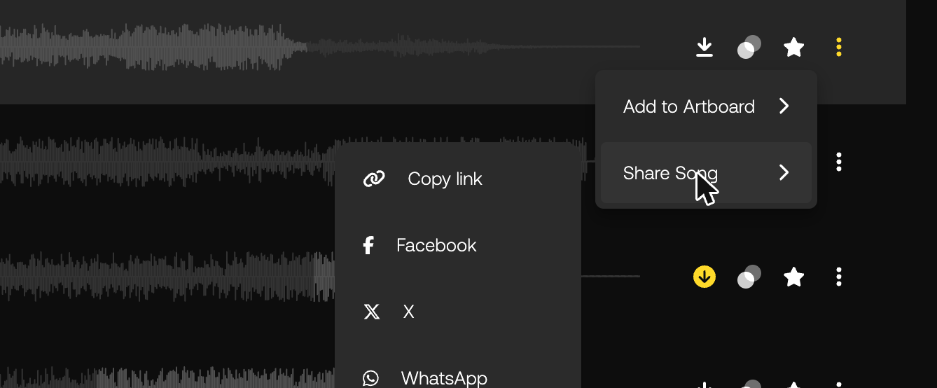
The same three-dot menu has Share Song, which starts with Copy link, Facebook, X and WhatsApp.
What does an artboard page look like?
Assets are grouped by type with a count, here "Music (1)" and "LUTs (1)". The LUT shows on Artlist's first sample clip, not the mountain lake we had picked when we added it. A Suggested assets row of music sits underneath, even with no description.
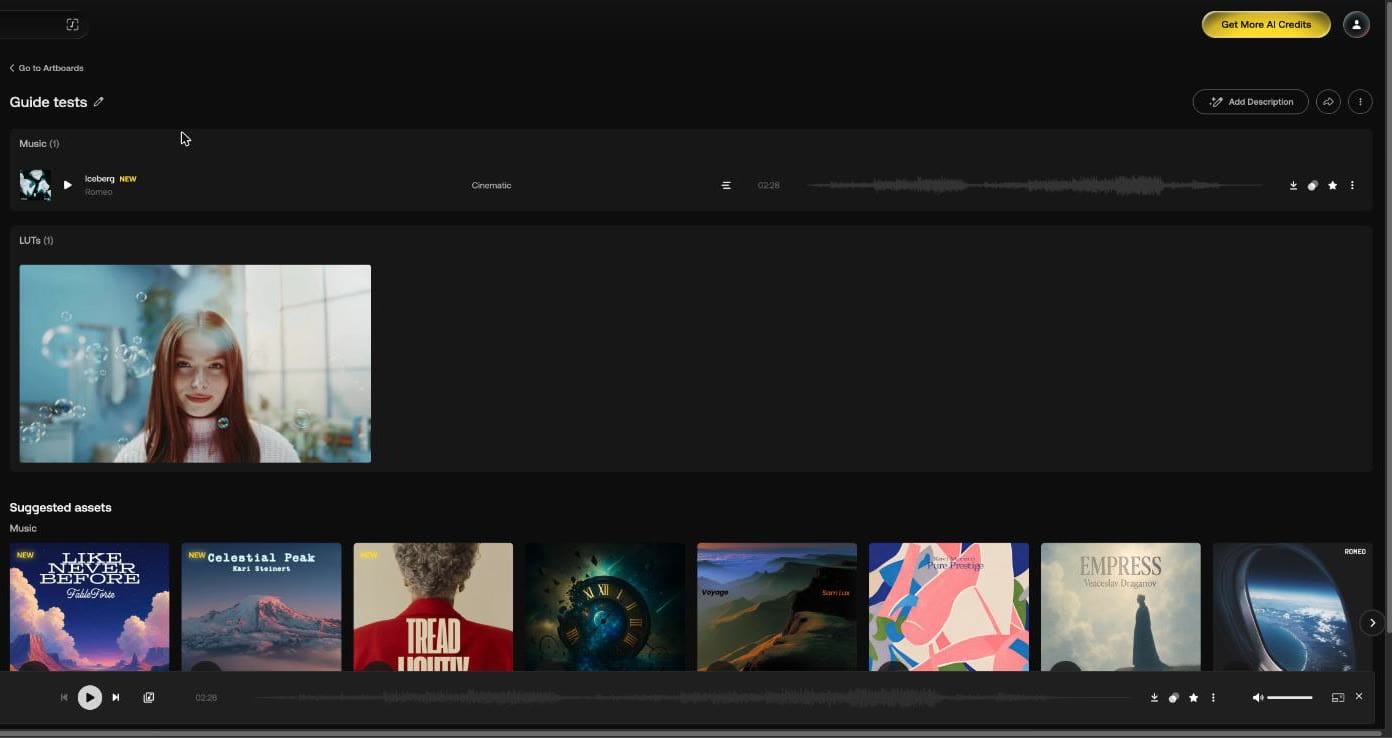
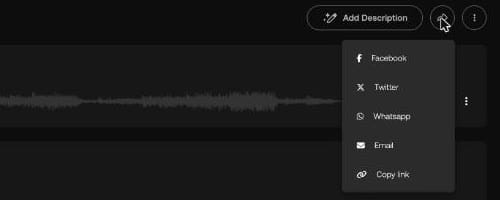
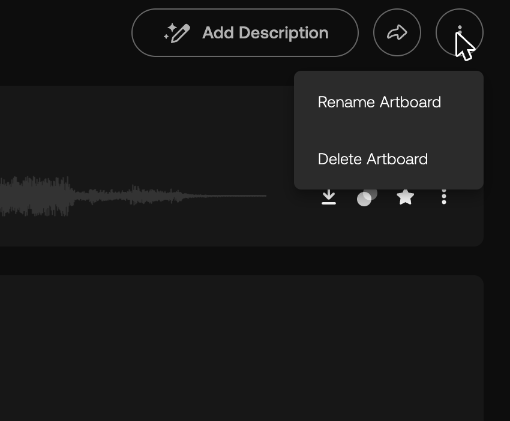
At the top are a pencil next to the name, Add Description, a share button and three dots. Share offers Facebook, Twitter, Whatsapp, Email and Copy link. The three dots hold Rename Artboard and Delete Artboard.
What is Spotlight?
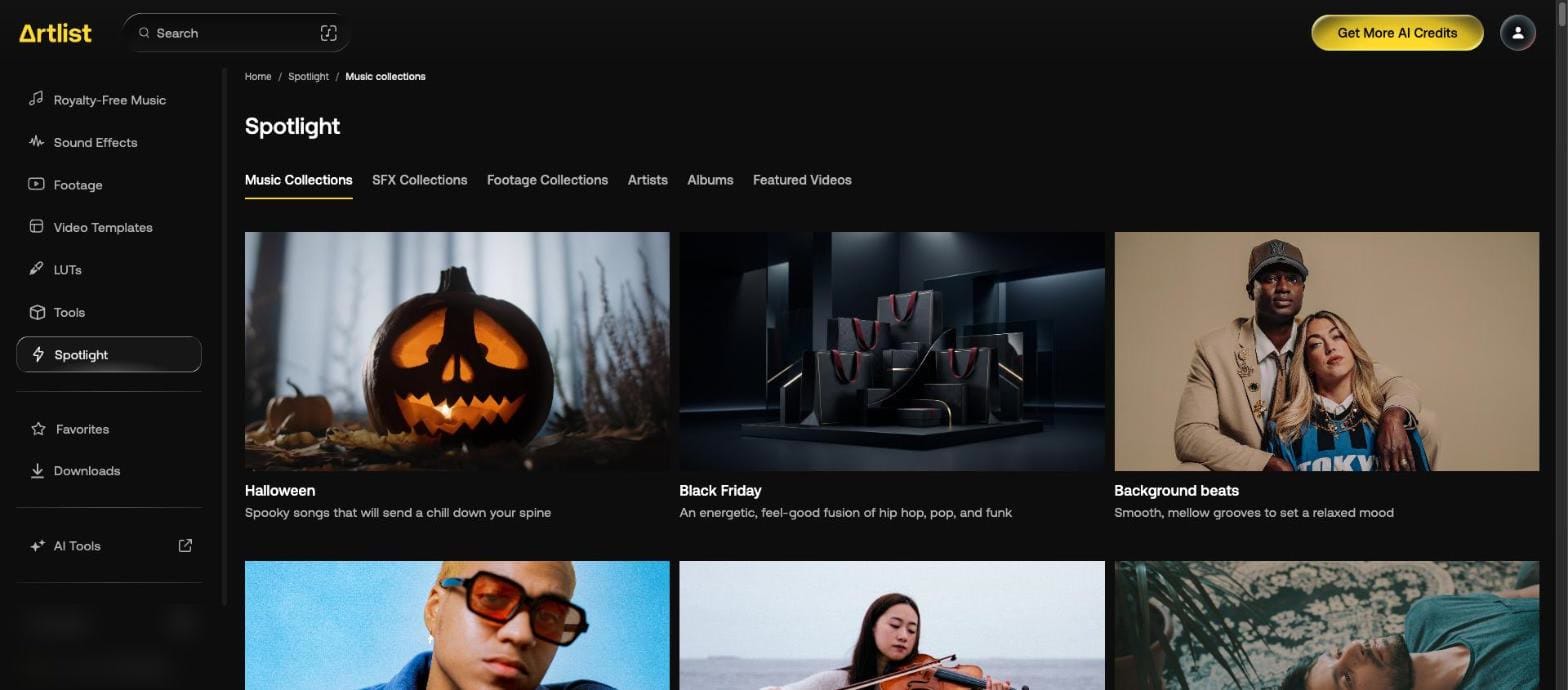
Spotlight is Artlist's curated section, with six tabs: Music Collections, SFX Collections, Footage Collections, Artists, Albums and Featured Videos.

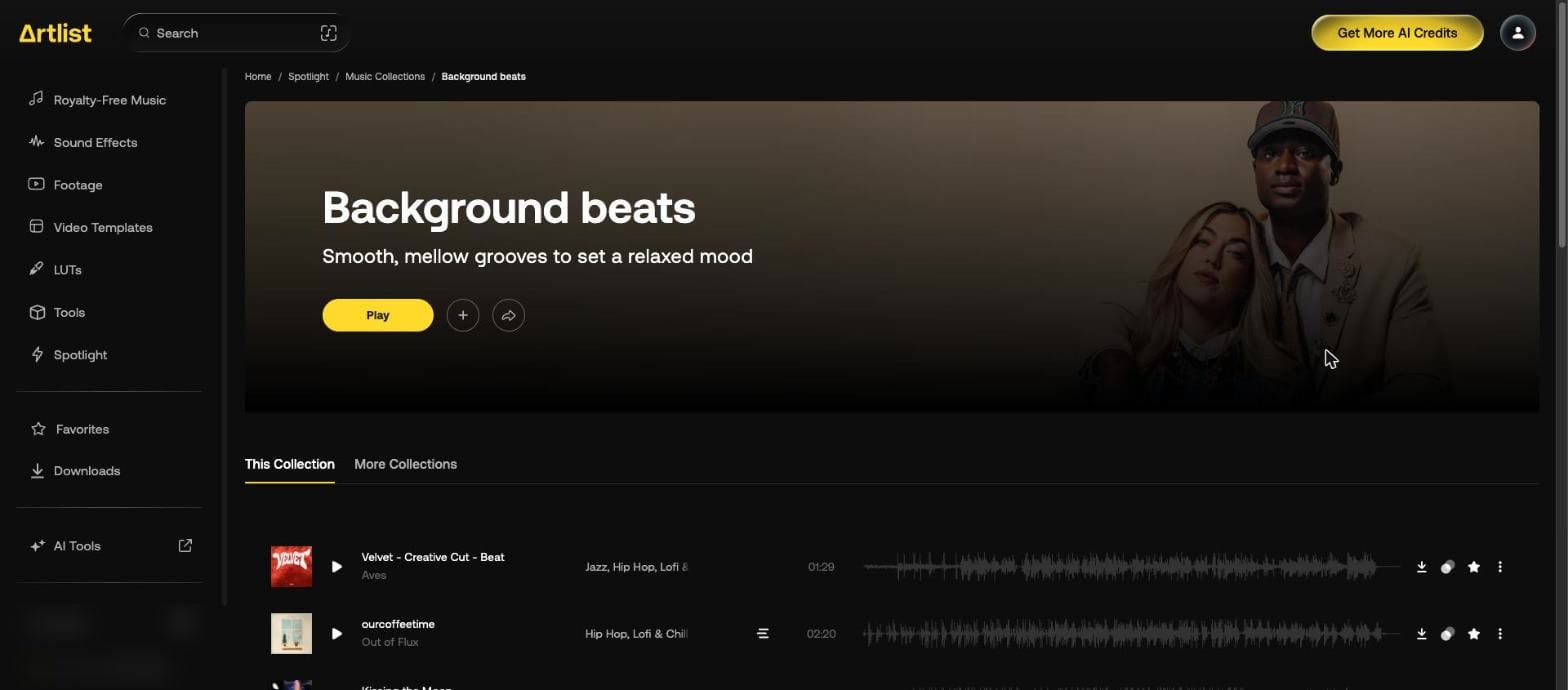
A collection page has Play, a plus button, a share button, and This Collection and More Collections tabs. Its tracks have the usual download, similar, star and menu controls.
What happens to downloads if you cancel?
Once the subscription expires, past assets, license certificates and cue sheets can't be downloaded from the site. They come back when you resubscribe. Save your song certificates before then.
Our Artlist discount page gives 2 free months on annual plans. If you also download from Epidemic Sound, see the Epidemic Sound discount code.