
Artlist Stems and Song Versions: How to Find and Download Them (2026)
Last verified: 2026-11-08
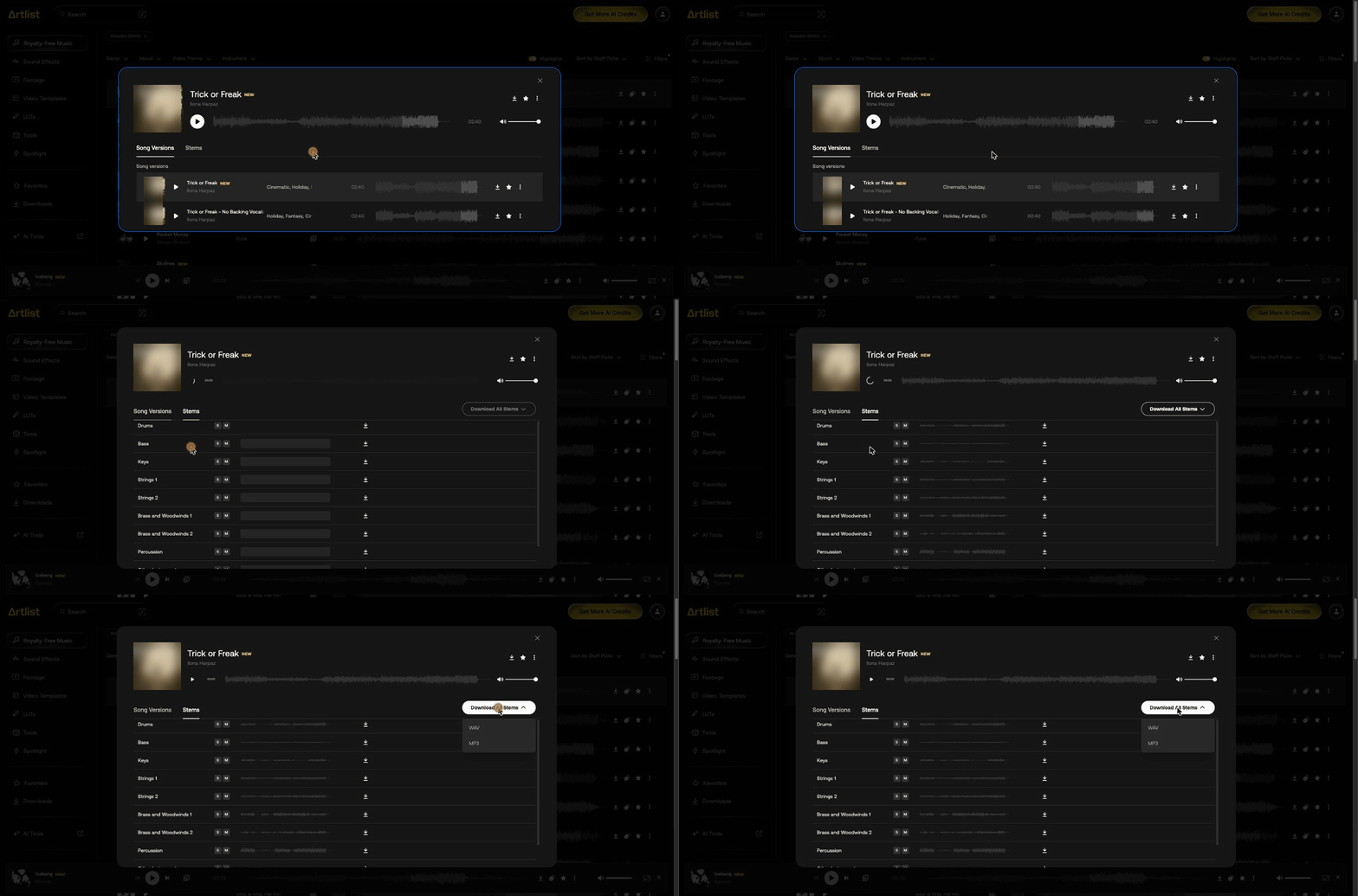
Press the icon left of a track's length in the music catalog from how Artlist works. A dialog shows its Song Versions and Stems tabs. Download one stem with its arrow, or all of them as WAV or MP3.
How do you find tracks with stems?
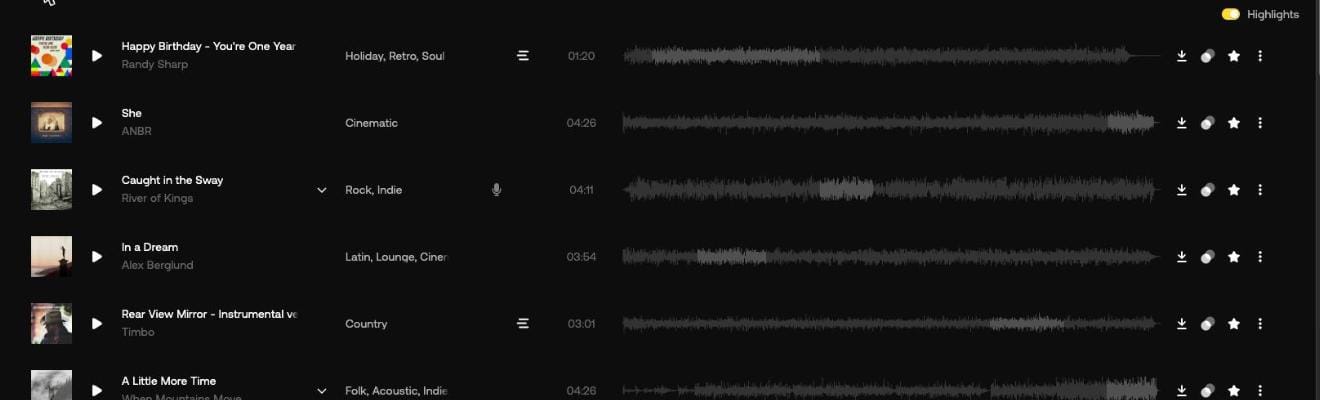
Open Filters and choose Includes Stems, as covered in how to find music on Artlist. Song Match and Similar songs lists mark stems with a three-line icon. Rows such as "She" and "In a Dream" don't have it.
How do you download Artlist stems?
- Press the icon left of the track's length.
- In the default list, open the Stems tab. Song Match rows open on it directly.
- Press the arrow beside one stem, or Download All Stems and choose WAV or MP3.
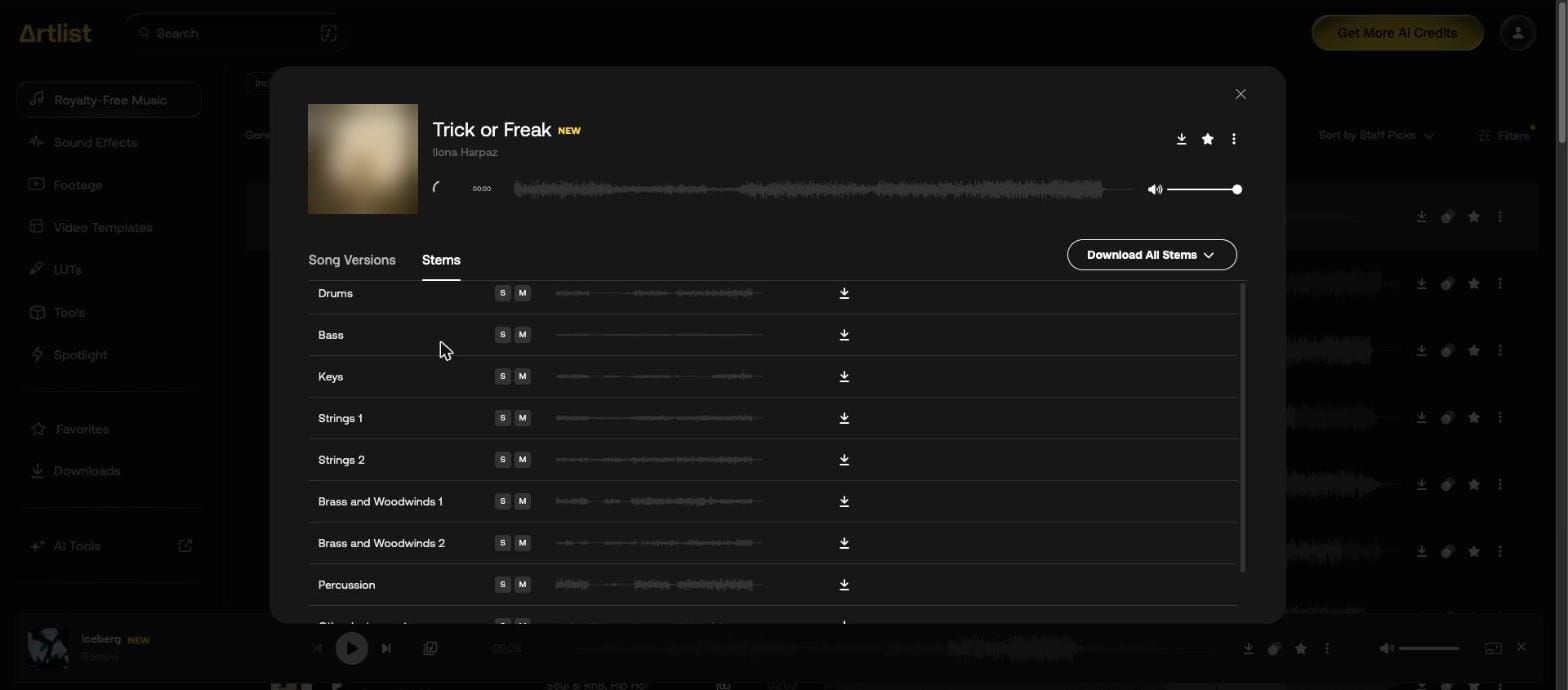
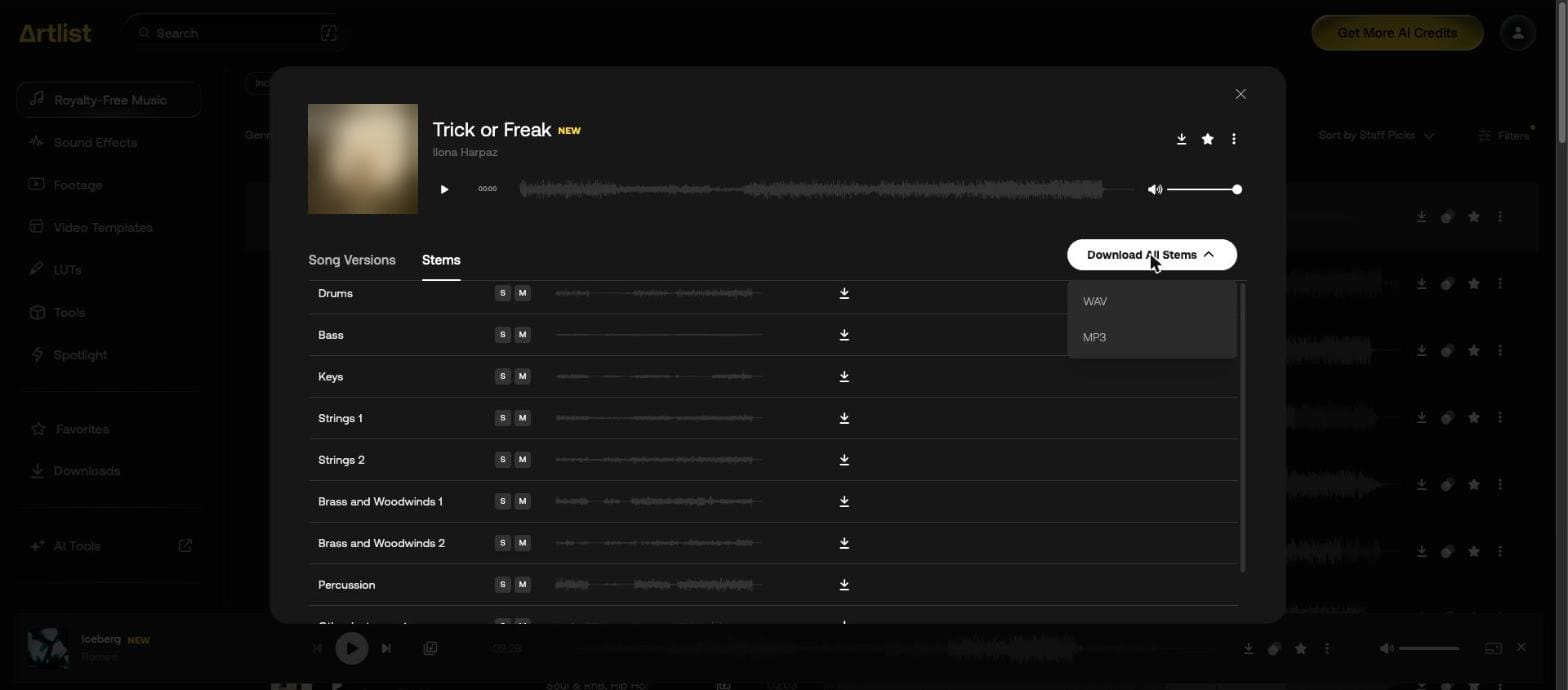
Each stem also has its own waveform, plus S to play it alone and M to mute it, as the Artlist Help Center describes them. A single stem's arrow also offers MP3 or WAV.
What does a stem list look like?
Trick or Freak lists Drums, Bass, Keys, Strings 1, Strings 2, Brass and Woodwinds 1, Brass and Woodwinds 2 and Percussion first.
It depends on the track. Two more we opened, with the stems in view in each dialog:
| Track | Stems in view |
|---|---|
| Beyond the Algorithm | Electronic Drums, Synth Bass, Piano, Synths 1, Synths 2, SFX, Backing Vocals |
| A Little Peace | Synth Bass, Piano, Synths 1, Synths 2, Strings, Percussion, SFX |
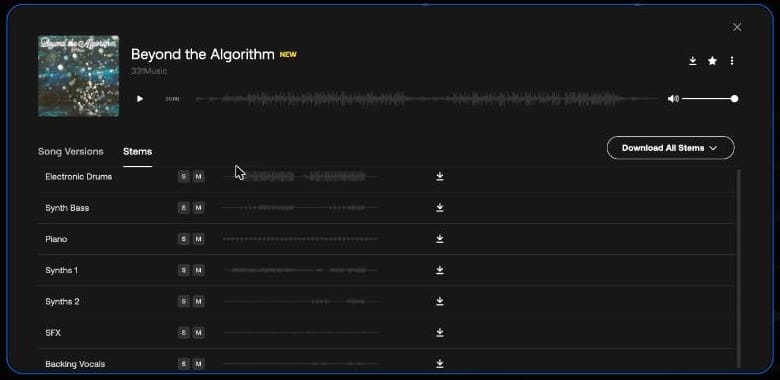
Beyond the Algorithm came up under the Instrumental filter and still has a Backing Vocals stem. If a voiceover has to sit on top, check the stem list for vocal parts as well as the filter.
What does a single stem download as?
The arrow beside one stem offers MP3 and WAV, the same choice as Download All Stems.
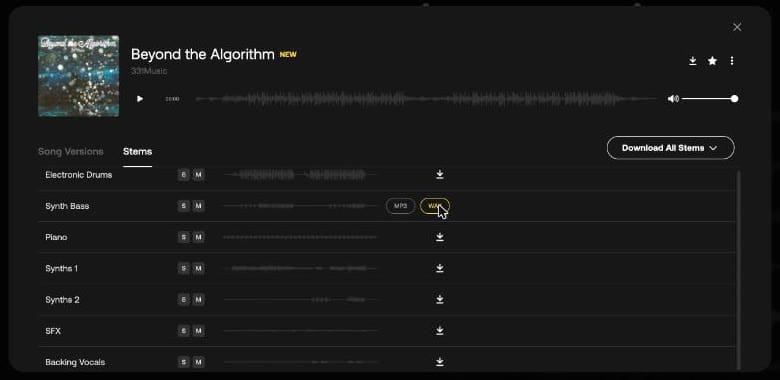
We downloaded the Synth Bass stem of Beyond the Algorithm as WAV:
| Detail | Value |
|---|---|
| File name | Beyond the Algorithm - Synth Bass.wav |
| Format | 24-bit, 44.1 kHz, stereo |
| Length | 2:20, the same as the full song |
| Size | 37.3 MB |
What are song versions?
Other cuts of the same song, each with its own row, download button and favorite. A down arrow beside the title opens them, and its tooltip reads "Song versions".
| Track | Version shown |
|---|---|
| Caught in the Sway | Instrumental version |
| Trick or Freak | No Backing Vocals |
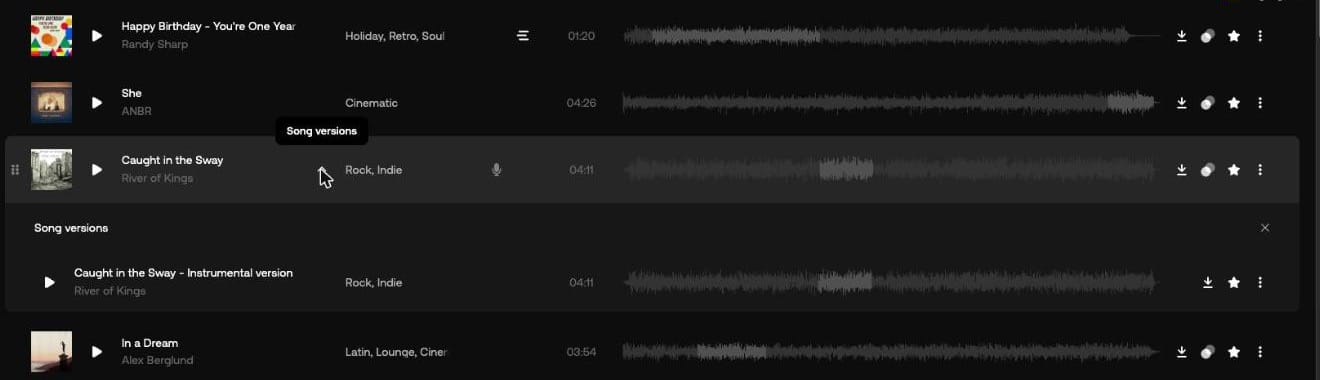
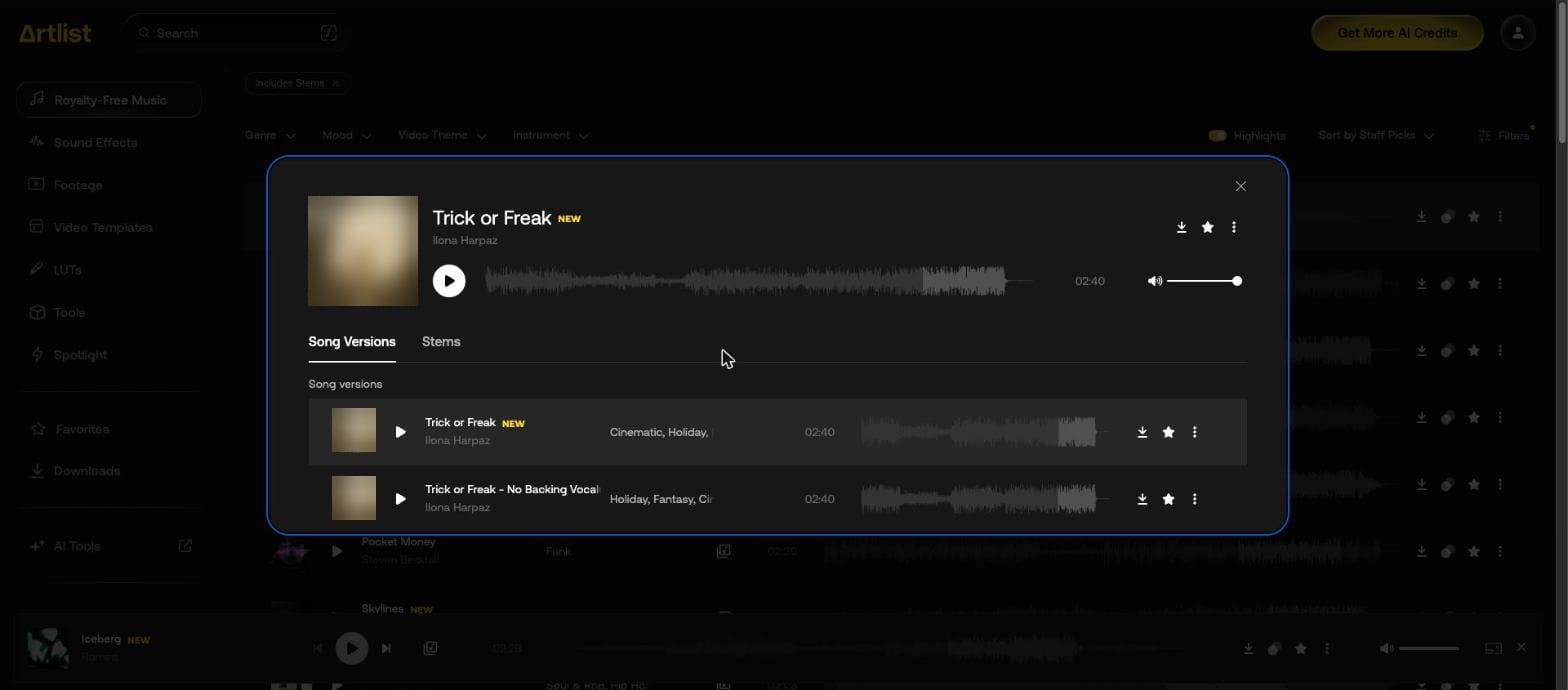
These are the version names we came across in search results, and what they were on the tracks we opened:
| Version name | Example | Length |
|---|---|---|
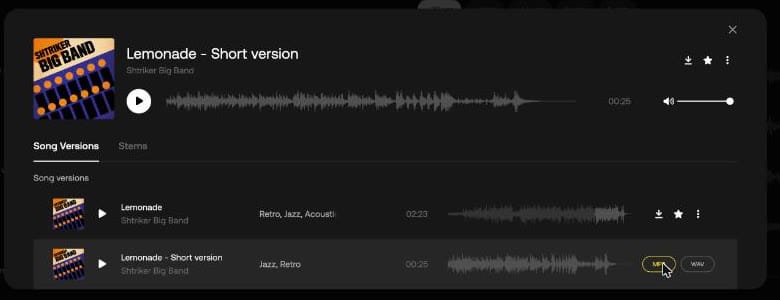
| Short version | Lemonade - Short version | 0:25, from a 2:23 song |
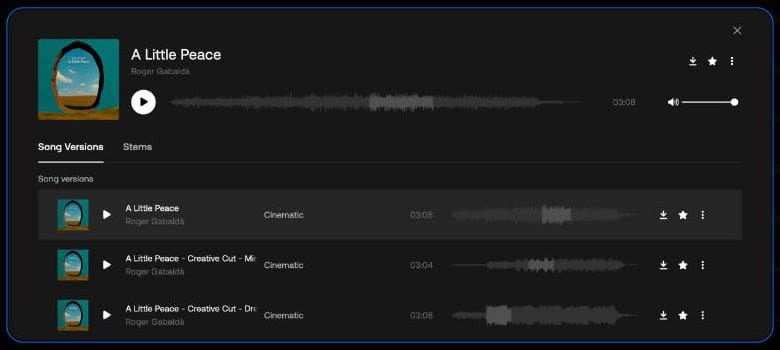
| Creative Cut | A Little Peace - Creative Cut - Minimal | 3:04, from a 3:08 song |
| Creative Cut | A Little Peace - Creative Cut - Dreamy | 3:08 |
| Intro | The Most Important - Intro | 0:19 |
| Loop | Buss It - Loop | 0:18 |
| No Lead Vocals | Better - No Lead Vocals | 3:34 |
With < 30 sec and Fast on, six of the first seven results for "upbeat vlog intro" were short versions, intros or creative cuts. The Lemonade short version downloaded as a 25.5-second MP3 at 320 kbps.
Does every track have versions and stems?
No. The icon left of the length looks the same either way, so open the dialog to check. A tab with nothing in it is greyed out, and hovering over it shows why:
| Track | Song Versions tab | Stems tab |
|---|---|---|
| Lemonade - Short version | Two versions | "No stems available for this track" |
| Beyond the Algorithm | "No versions available for this track" | Seven stems in view |
| A Little Peace | Three versions | Seven stems in view |
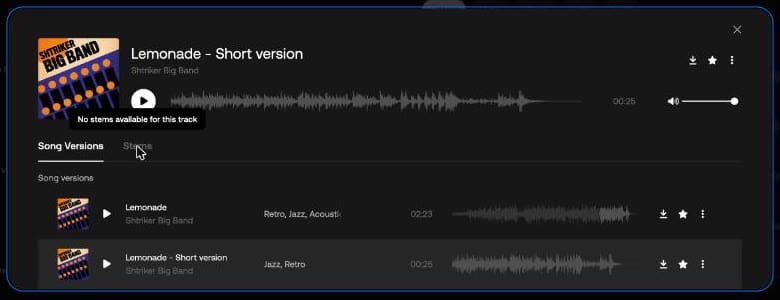
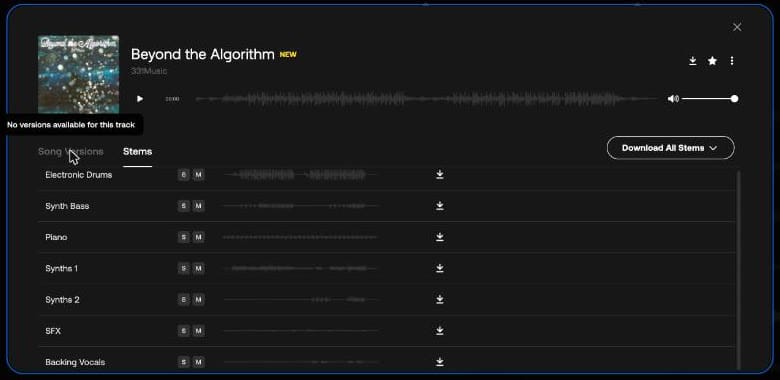
When only one tab had content, the dialog opened on it. To skip tracks without stems, use Includes Stems before you search.
Can you edit stems?
Yes, in any way that fits your video project, according to the Help Center. You're licensed to use the music, not to own it, so you can't take credit for a new composition.
Which plans include stems?
The Help Center lists Music Pro, Music & SFX Pro, Music & SFX Social, Music & SFX Teams, Artlist Max and Max Teams. Prices are on our Artlist plans page.
Our Artlist promo code page gives 2 free months on annual plans. Epidemic Sound has its own offer on our Epidemic Sound coupon code page.