
Artlist Stock Footage: How to Hide AI Clips and Pick a Format (2026)
Last verified: 2026-11-08
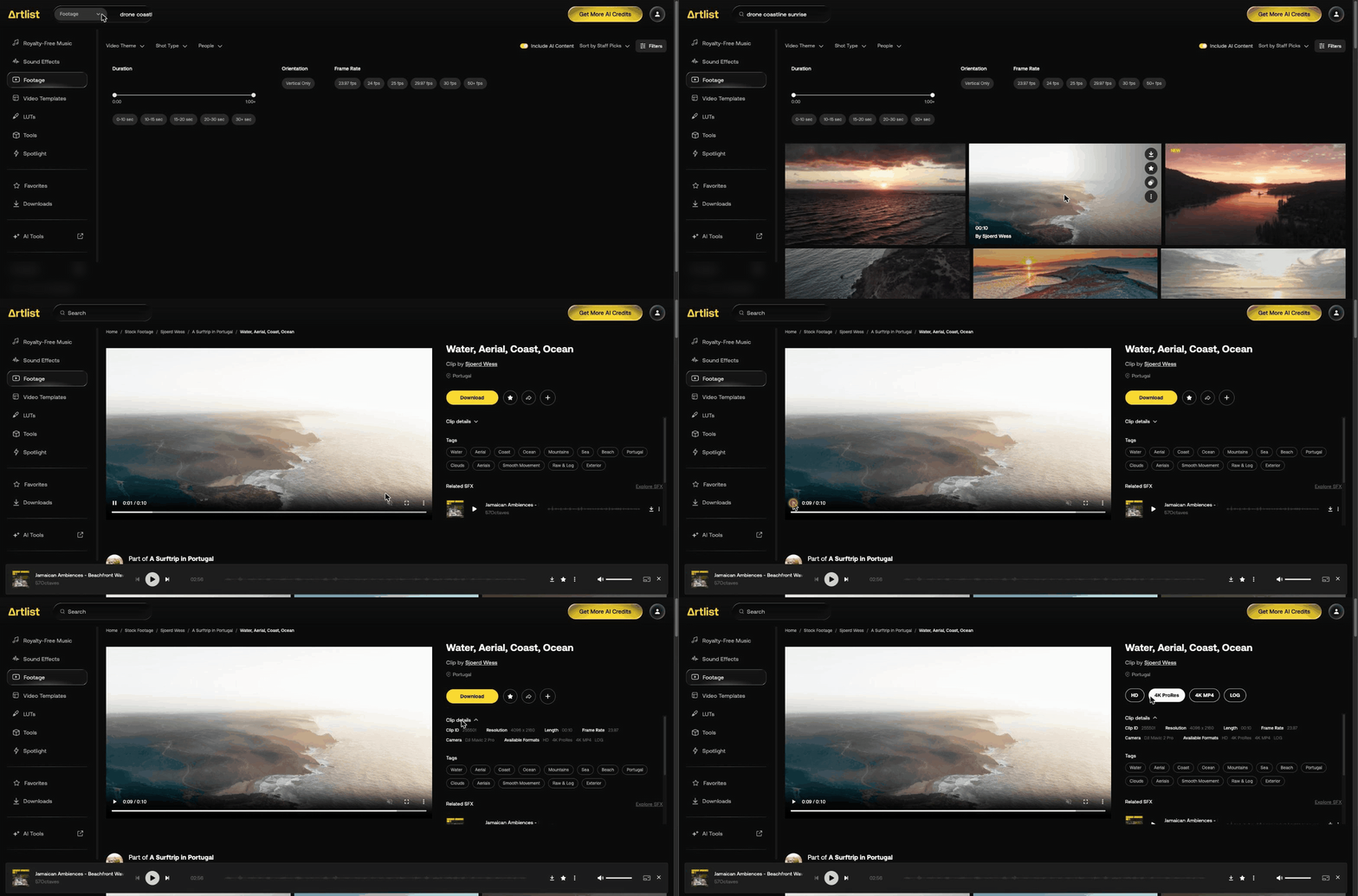
Search Footage in the catalog from how Artlist works, narrow by shot type and frame rate, then open a clip to see its camera, resolution and formats. A toggle hid the labeled AI clip in our test.
How do you search Artlist footage?
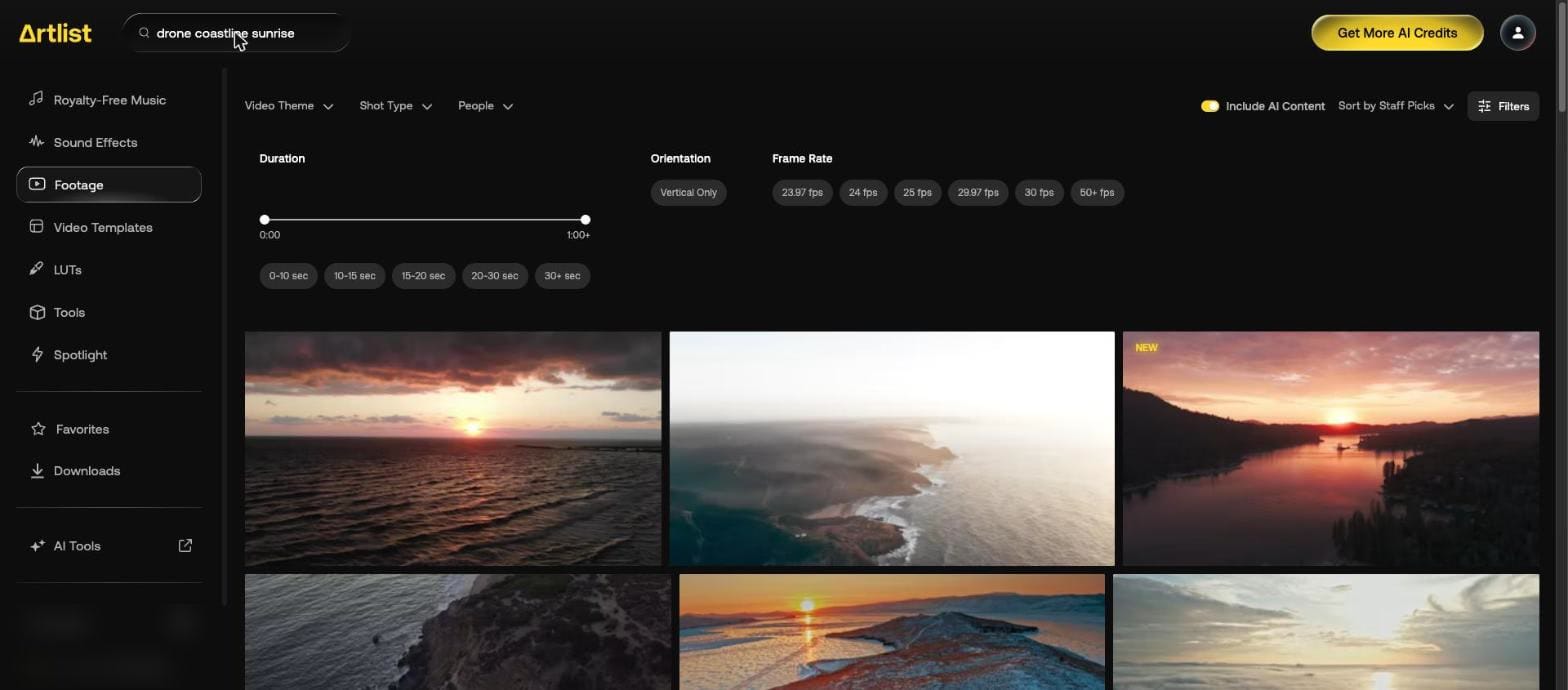
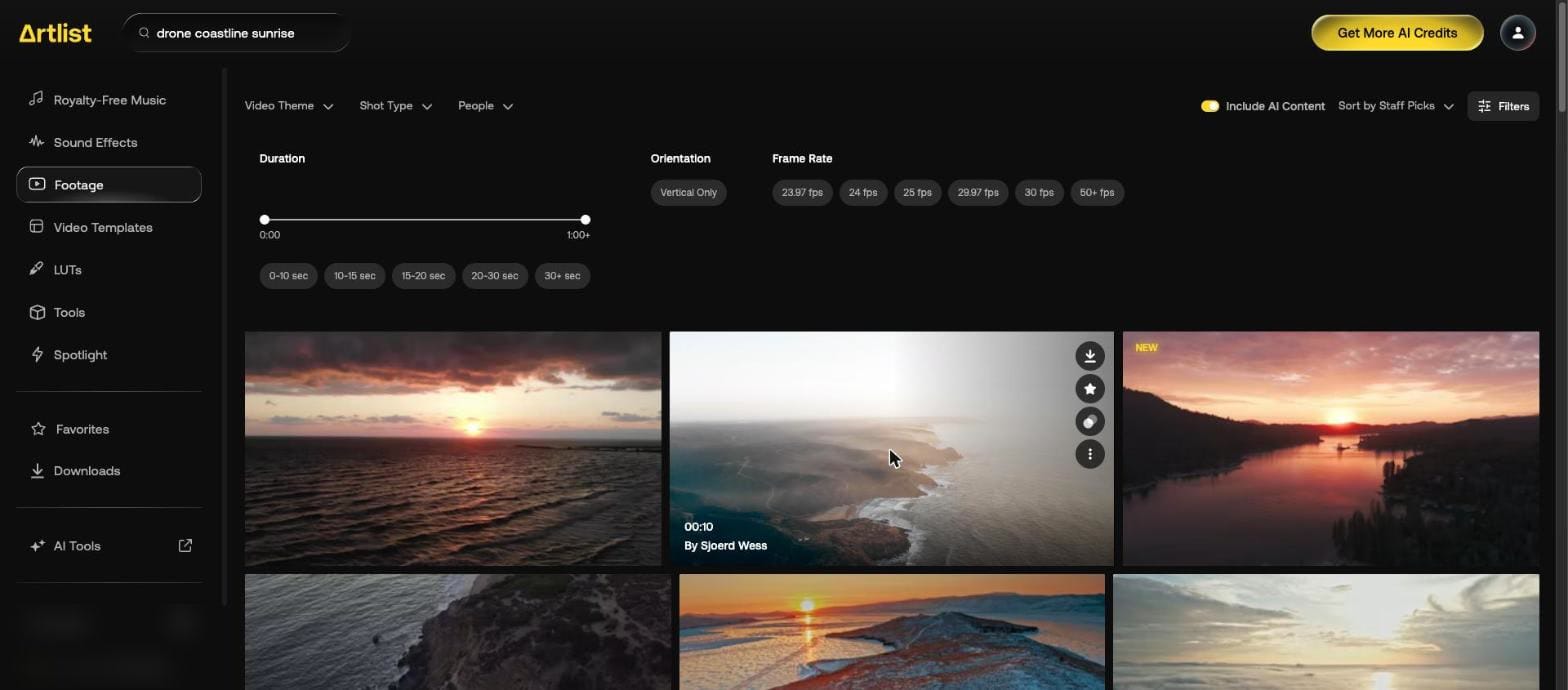
We searched "drone coastline sunrise". Hover over a result to see its length and creator, with buttons to download, favorite, find similar clips and open more options.
How do you narrow footage by shot type or frame rate?
| Control | Options | Examples |
|---|---|---|
| Video Theme | 28 tags | Aerials, VFX Overlay, Social Aesthetic |
| Shot Type | 18 tags | Raw & Log, 4K+, Golden hour |
| People | 19 tags | No people, One person, Family |
| Duration | Slider, 0:00 to 1:00+, plus 5 presets | 0-10 sec, 30+ sec |
| Orientation | 1 option | Vertical Only |
| Frame Rate | 6 options | 23.97 fps, 24 fps, 50+ fps |
| Sort | 3 options | Staff Picks, Top Downloads, Newest |


The six frame rates are 23.97, 24, 25, 29.97, 30 and 50+ fps.

What does a real shot list search look like?
We searched for a short brand film about a café, shot by shot.
| Shot | Search and filter | What came back |
|---|---|---|
| Latte art pour, close | "barista pouring latte art" | A mix: pours, baristas at machines, a dessert being topped, people talking in cafés |
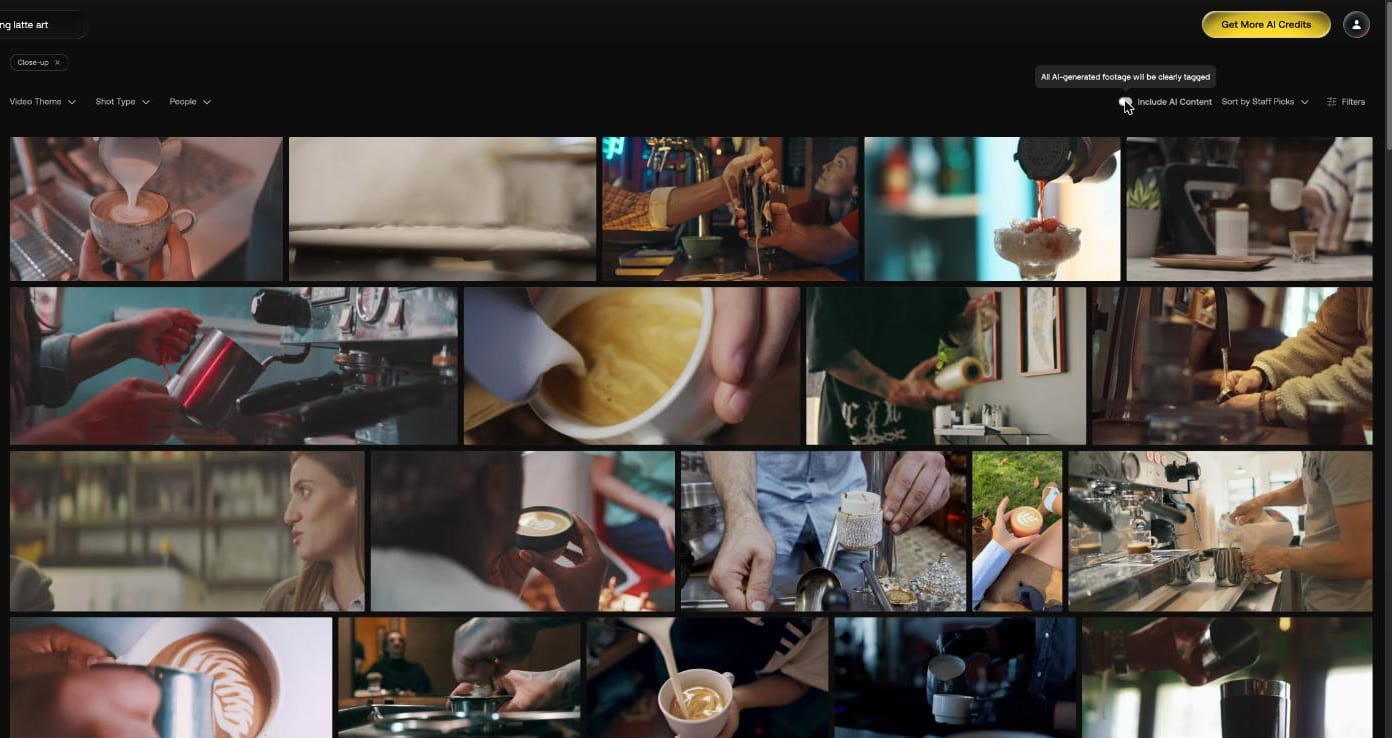
| Same, with Close-Up from Shot Type | Chip reads "Close-up" | The first tile became a milk pour into a cup, and hands, cups and jugs filled the first rows |
| Same, slow motion | 50+ fps instead of Close-Up | The first row showed finished cups held in hands and a barista handing one over. No pour in it |
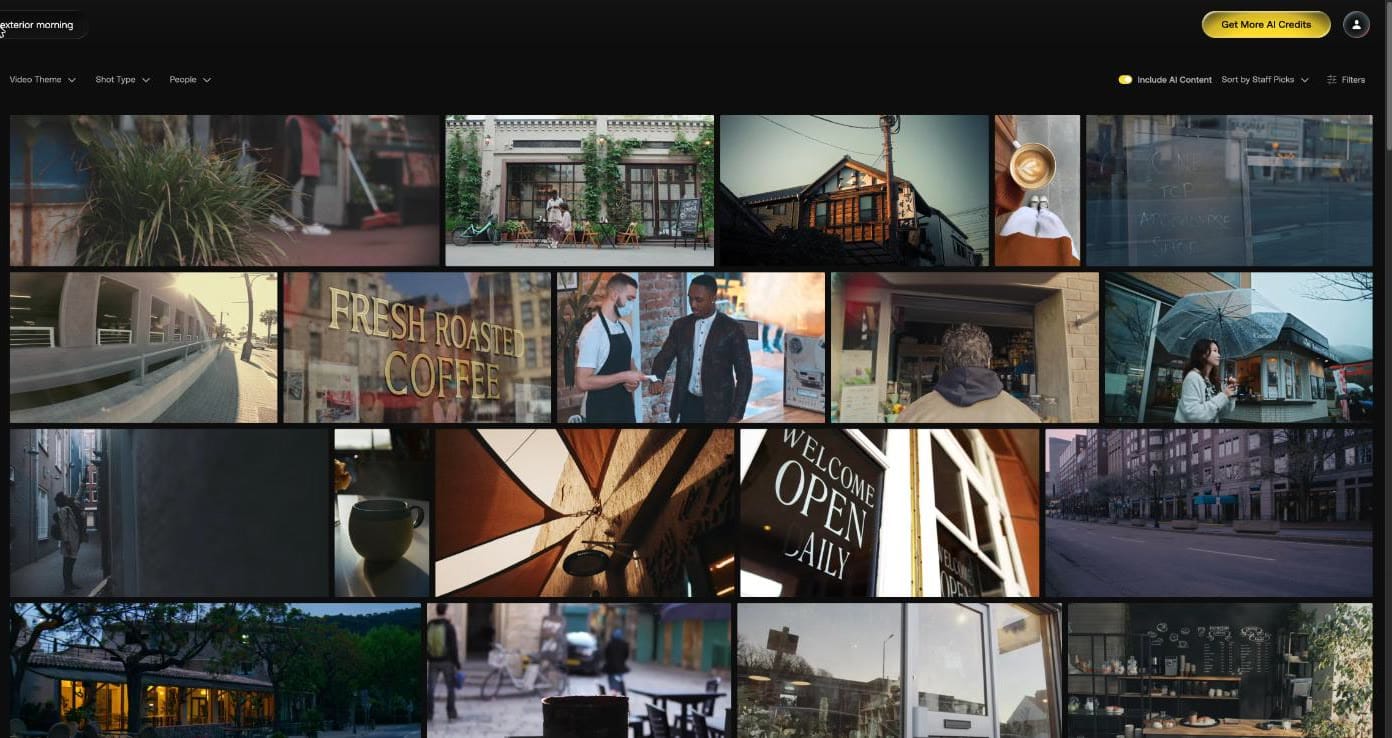
| Establishing exterior | "coffee shop exterior morning" | Café fronts, a "FRESH ROASTED COFFEE" window, an "OPEN DAILY" sign and empty streets |
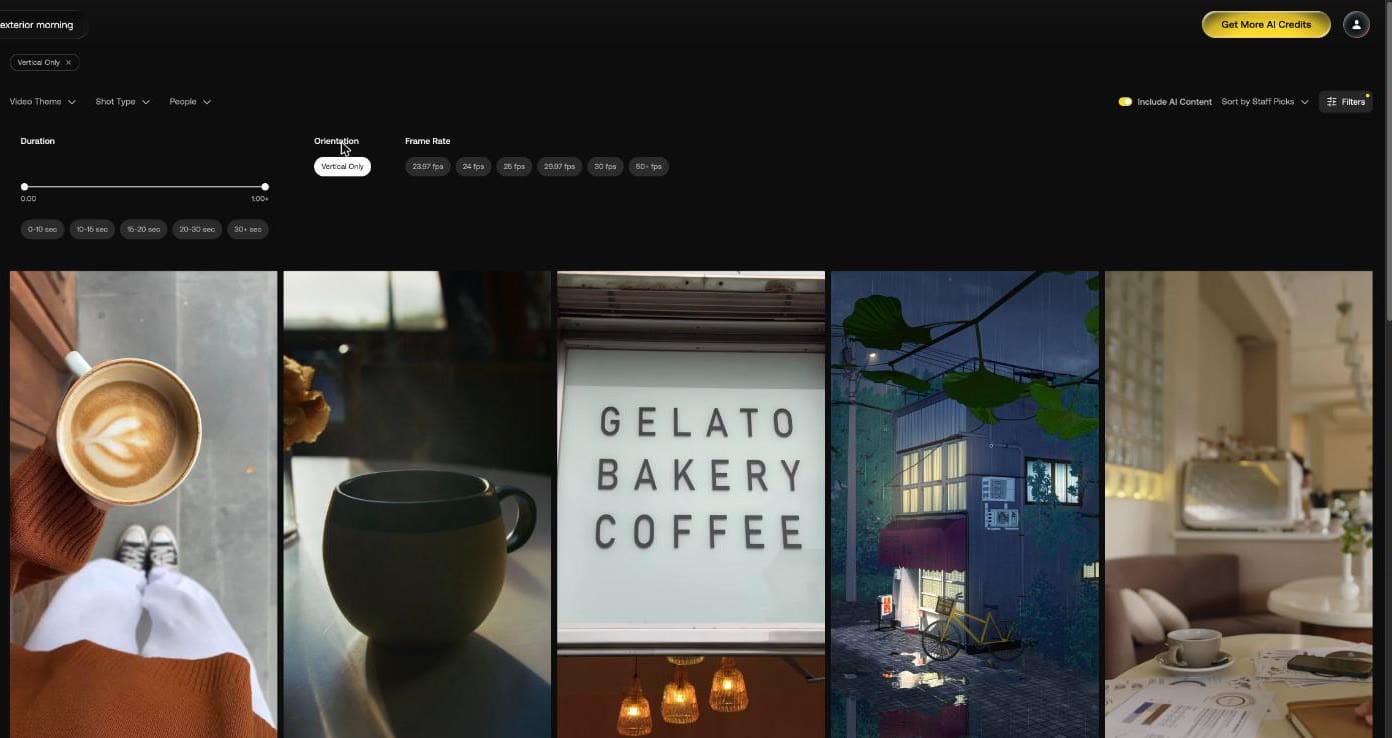
| Vertical cut for Reels | Same, with Vertical Only | An overhead latte, a mug by a window, a "GELATO BAKERY COFFEE" sign and a rainy shopfront |
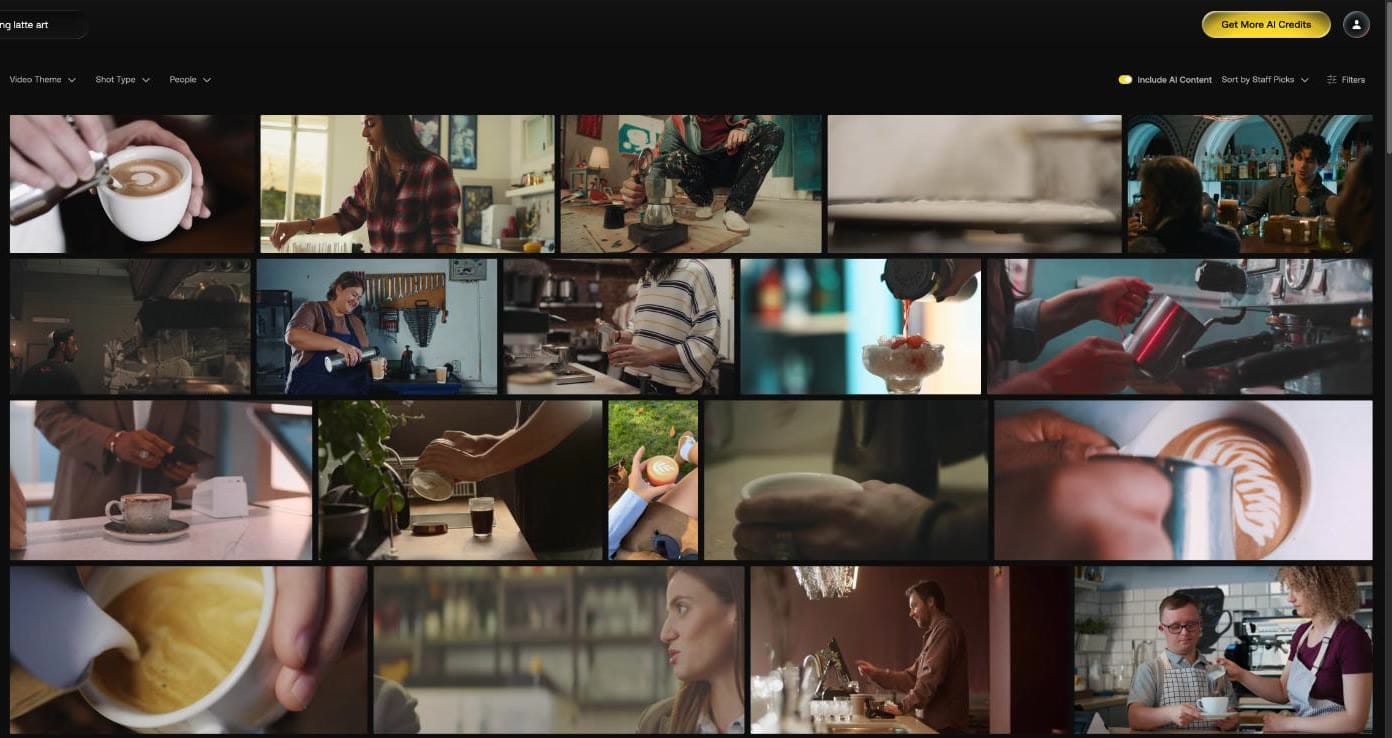
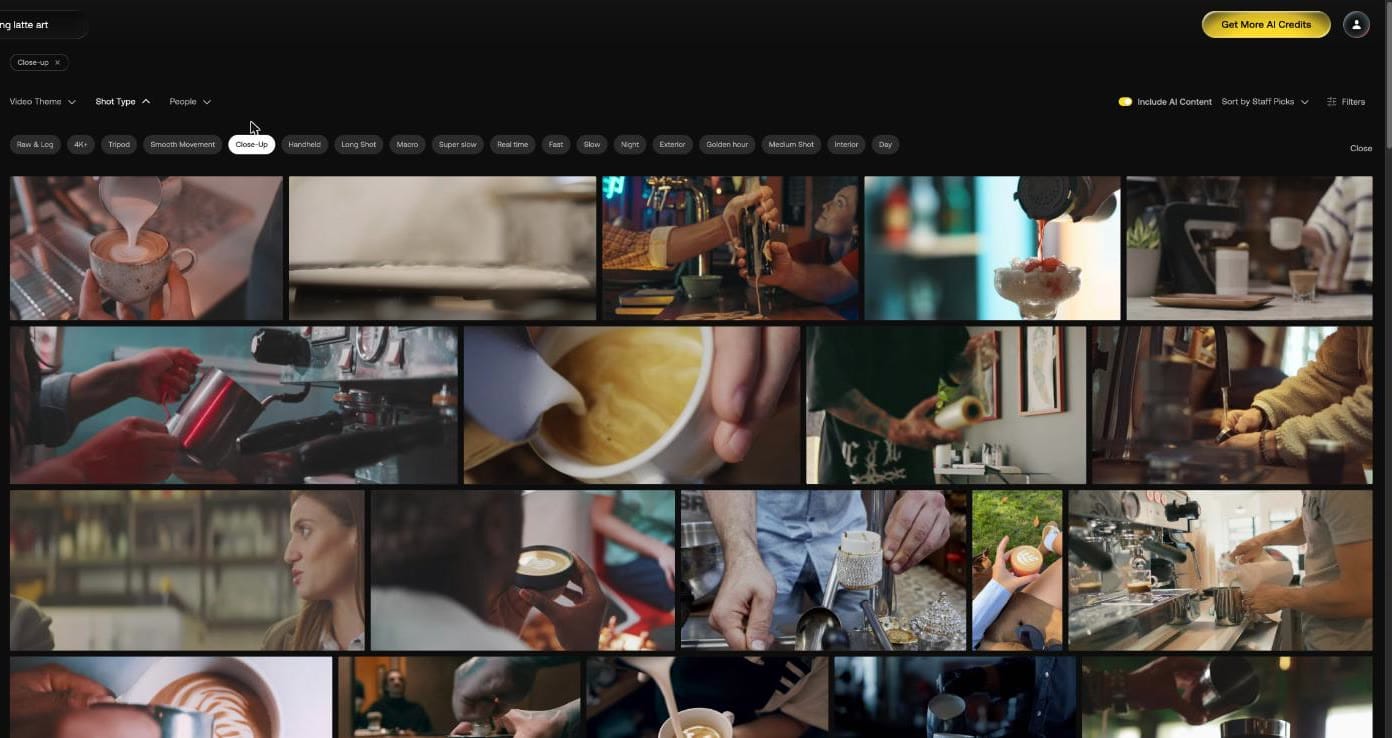
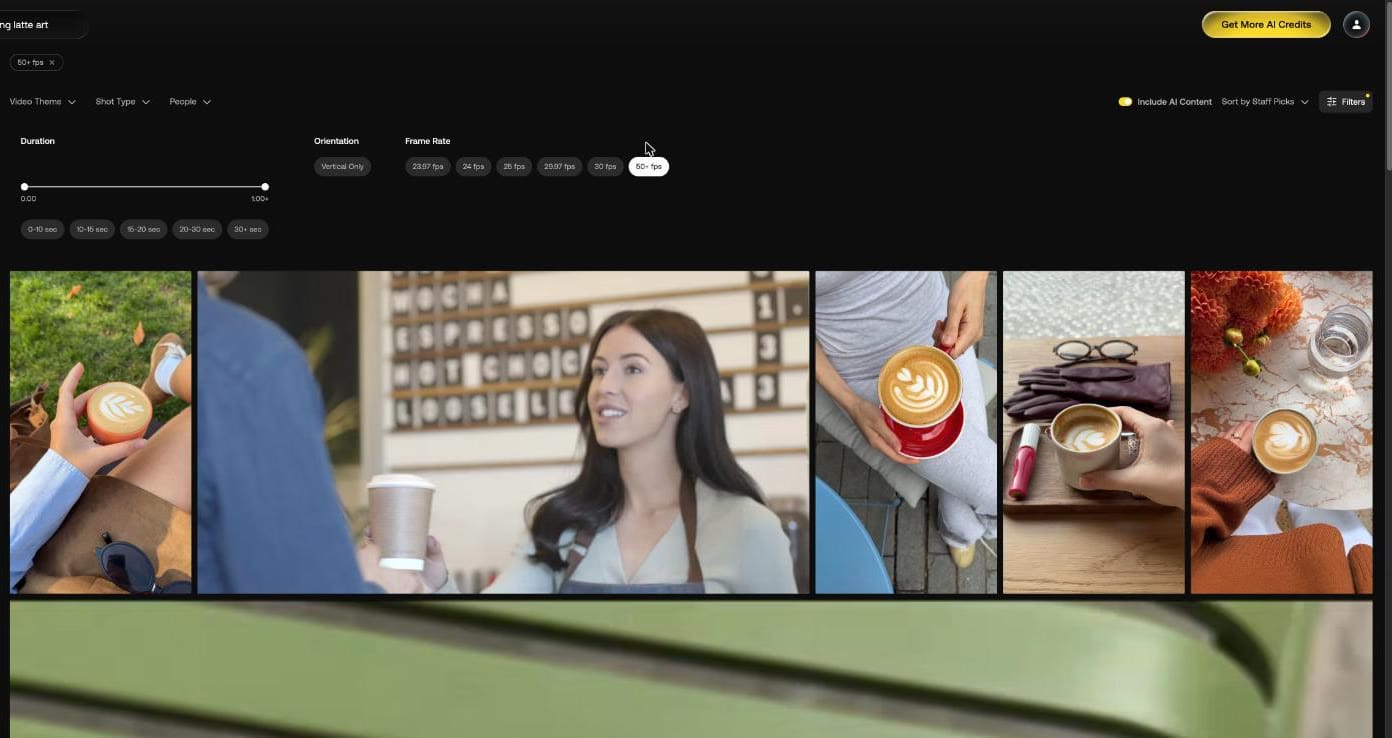
Close-Up did more for this brief than 50+ fps, which narrowed the grid and had no pour in its first row.
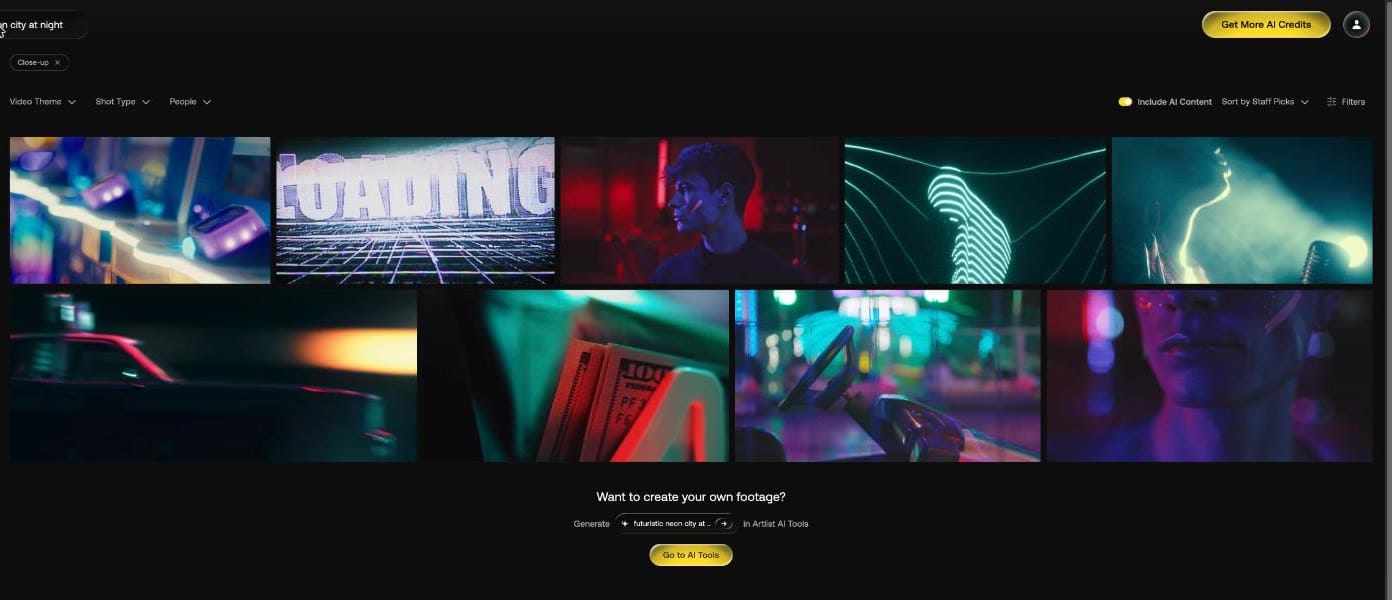
A short result list ended with "Want to create your own footage?" and a button to Go to AI Tools with your search filled in.
Is Artlist footage AI generated?
Some of it. AI clips carry a "Made With AI" label, and the Include AI Content toggle is on by default. Its tooltip reads "All AI-generated footage will be clearly tagged".
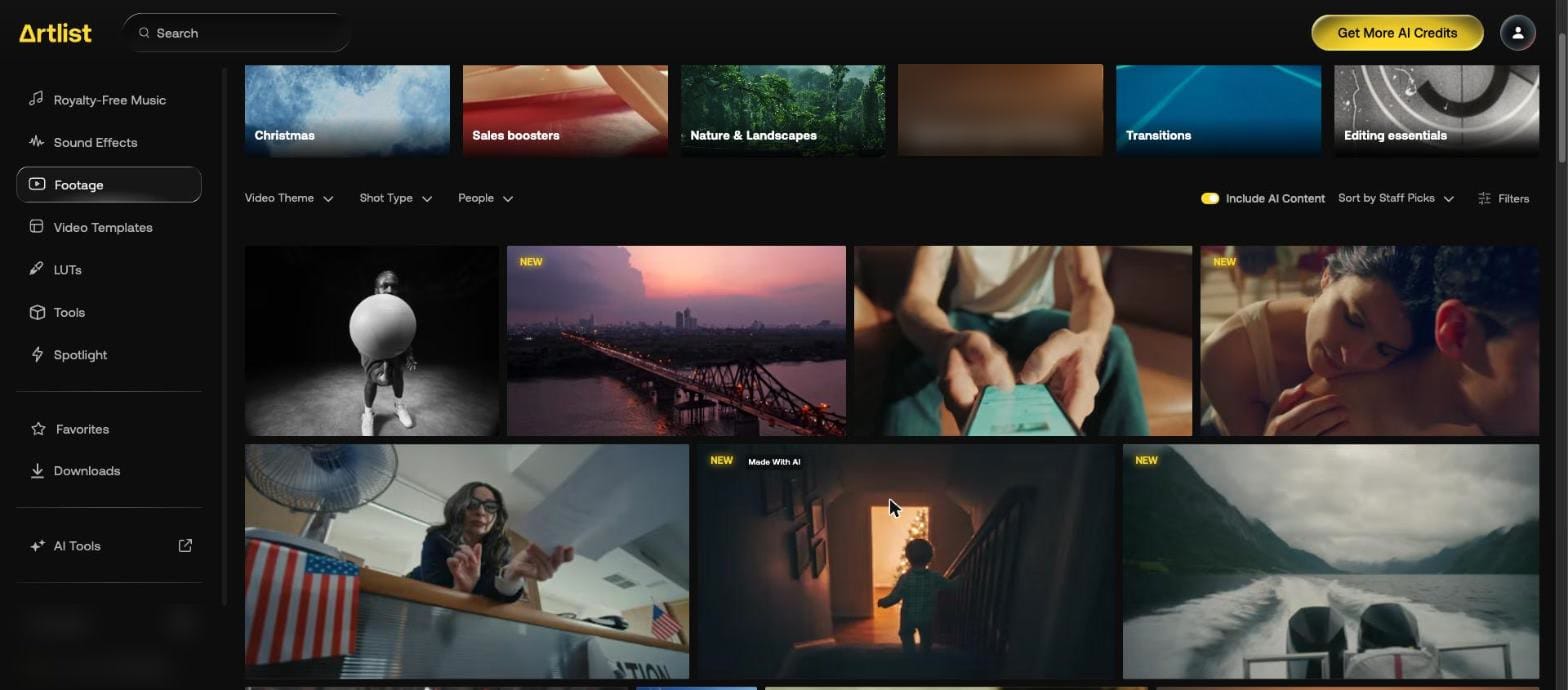
With the toggle off, the labeled clip left the grid.
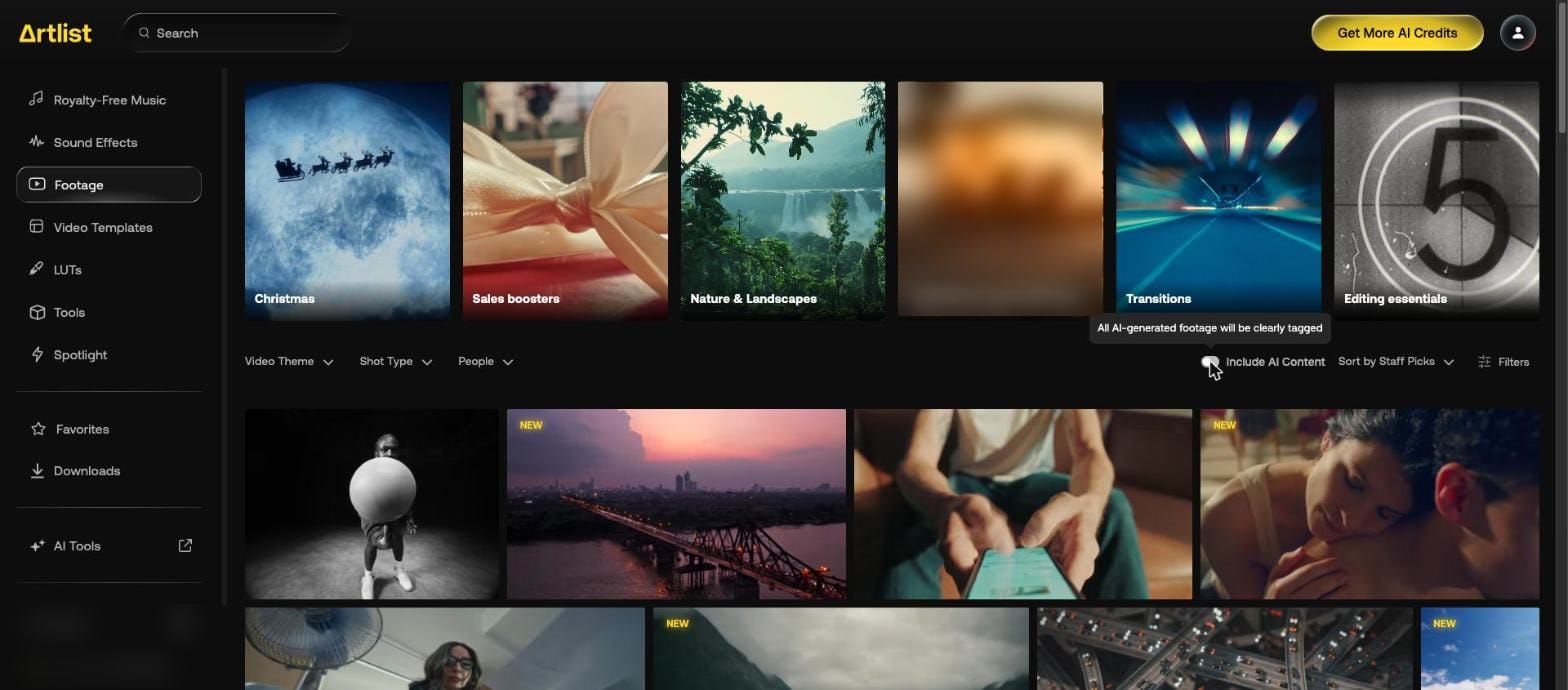
On our café close-ups and on "futuristic neon city at night", switching it off left the visible grid unchanged. Neither search had a labeled AI clip near the top.
What does a clip page show?
Open Clip details. This drone clip listed:
| Detail | Value |
|---|---|
| Resolution | 4096 x 2160 |
| Length | 00:10 |
| Frame Rate | 23.97 |
| Camera | DJI Mavic 2 Pro |
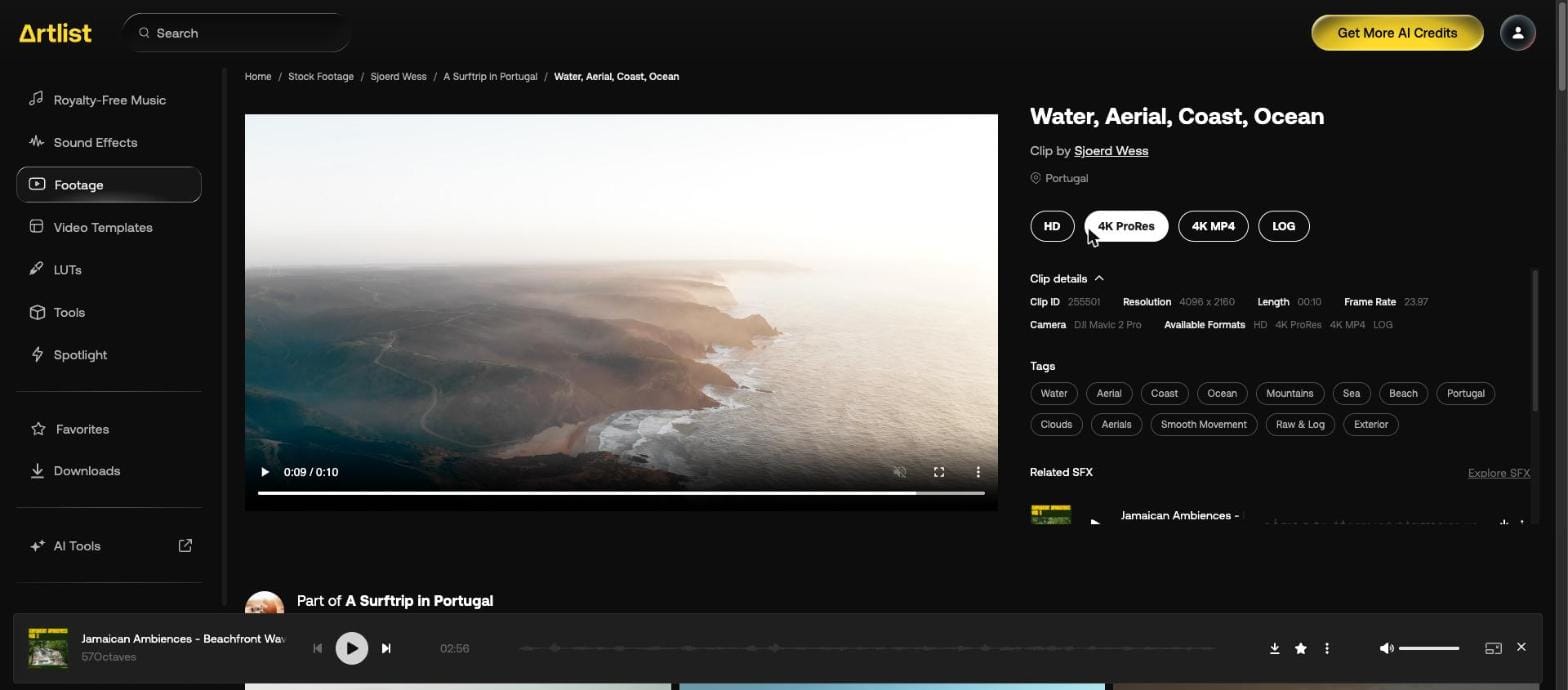
| Available Formats | HD, 4K ProRes, 4K MP4, LOG |
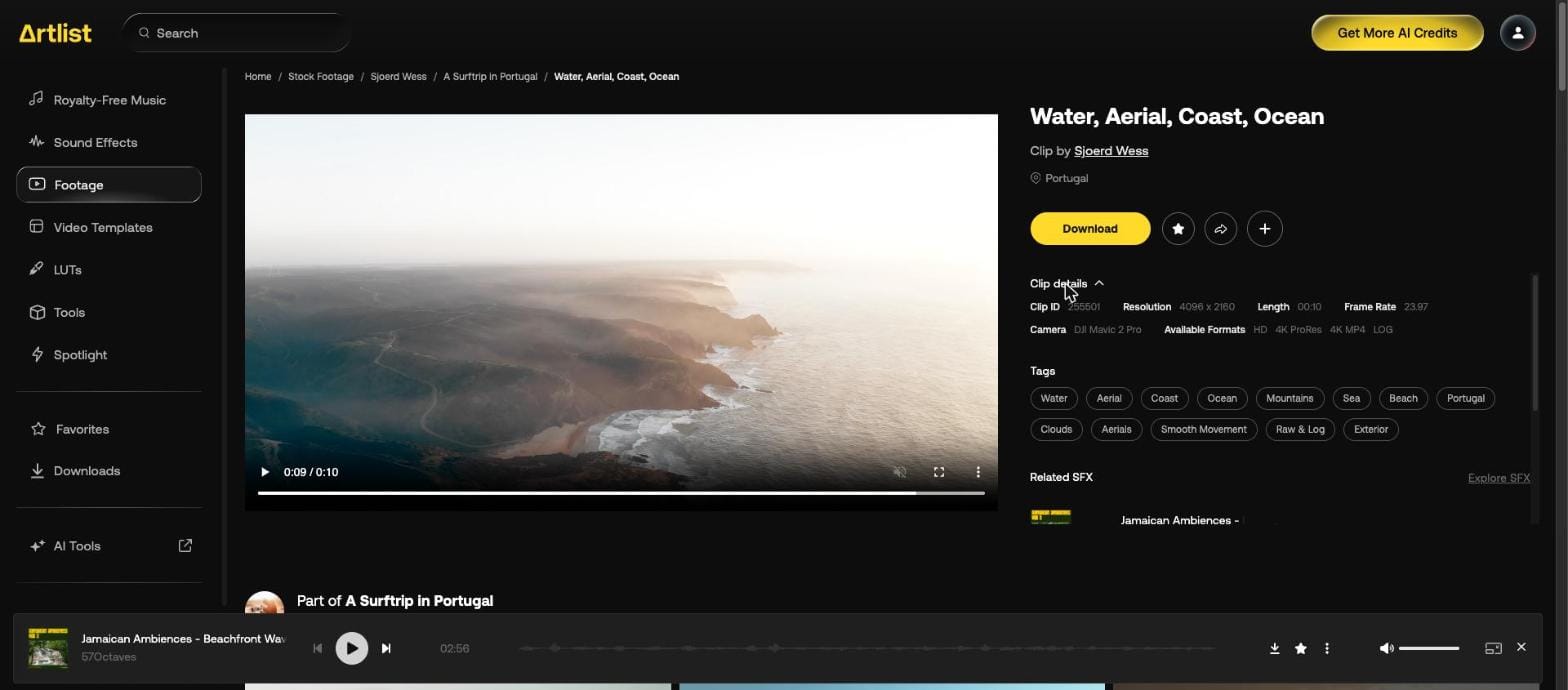
Press Download and pick a format.
You don't have to open the clip. Hover over it in the grid and press the arrow, labeled "Download", and the same buttons appear over the thumbnail. Four clips from our café search:
| Clip | Formats offered |
|---|---|
| Café front with customers, 0:11 | HD, 4K ProRes, 4K MP4 |
| "FRESH ROASTED COFFEE" window, 0:18 | HD, 4K ProRes, 4K MP4, LOG |
| "WELCOME OPEN DAILY" sign | HD, 4K ProRes, 4K MP4, LOG |
| Mug by a window, vertical | HD, 4K ProRes, 4K MP4 |
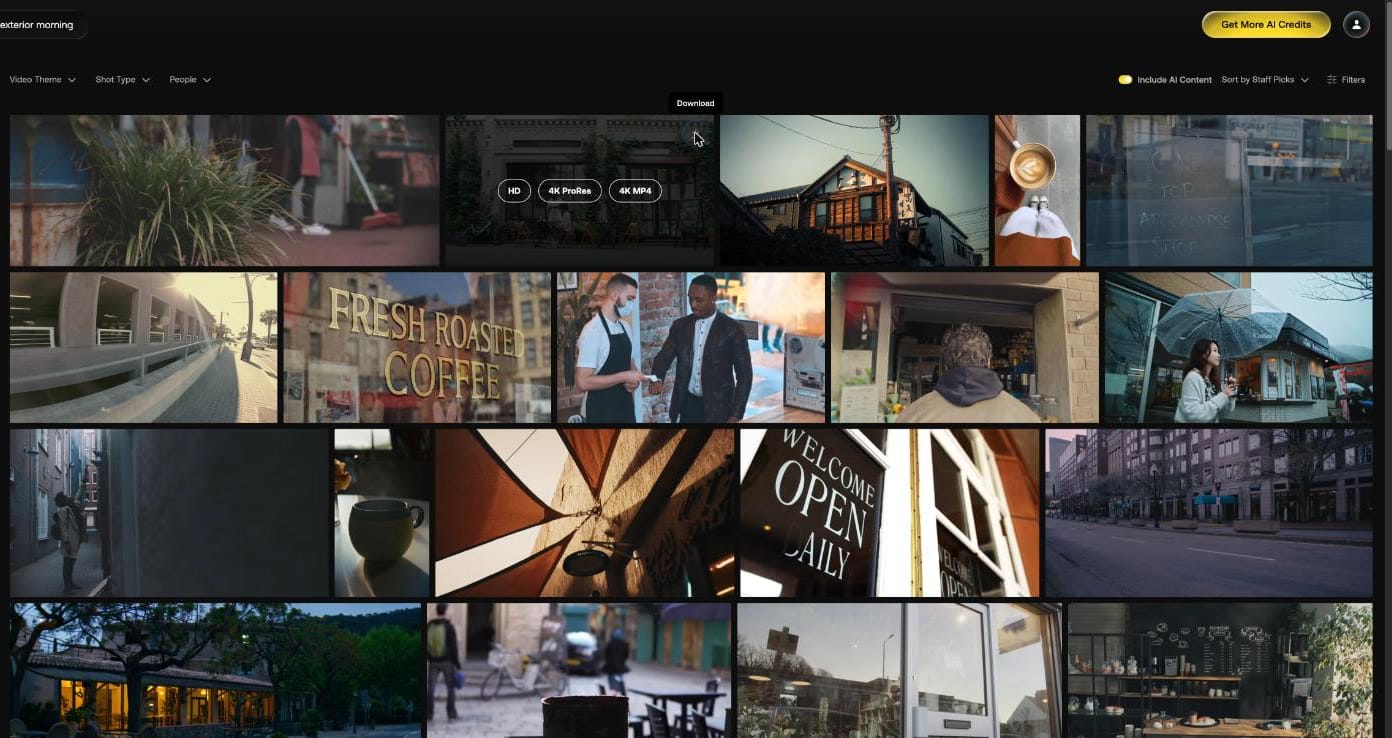
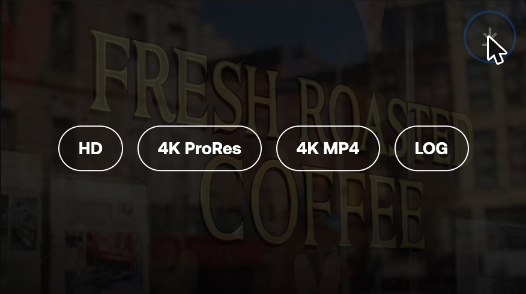
LOG came with two of the four, so check the buttons if you plan to grade. We downloaded the café front in HD:
| Detail | Value |
|---|---|
| File name | 631322_Woman Sidewalk Customer Cafe_By_Pressmaster_Artlist_HD.mp4 |
| Video | 1920 x 1080, H.264, 25 fps |
| Length | 11 seconds |
| Size | 27.2 MB, about 19.6 Mbit/s |
The file name carries the clip number, its title, the creator and the format.
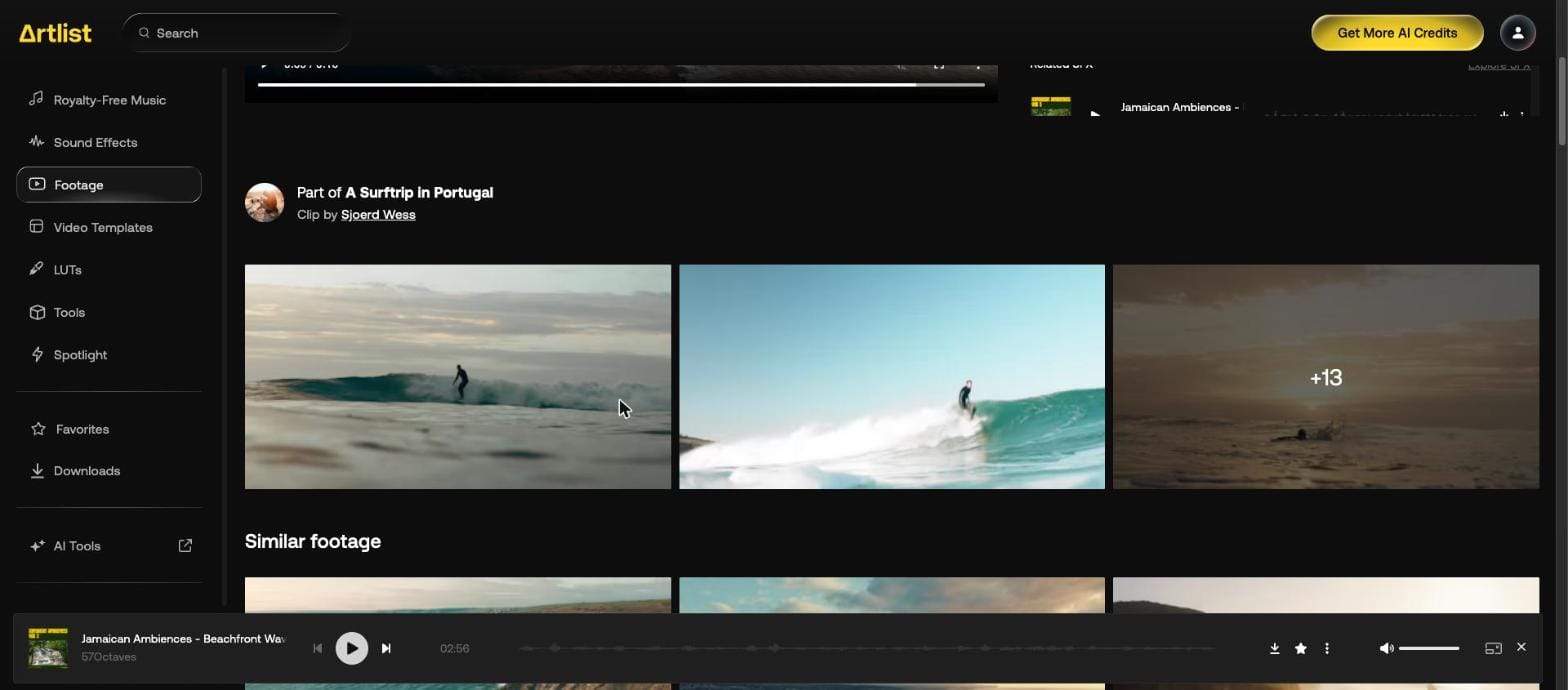
The page also shows Related SFX, the collection the clip belongs to, and Similar footage.
Which plans include footage?
Max does, with HD, 4K to 8K, ProRes and DNxHR, and RAW and LOG as an upgrade at checkout. The other route is Footage & Templates, which the Artlist Help Center says is billed yearly, carries a Pro license and has no AI tools. Either way the daily limit is 100 clips. Prices are on our Artlist plans page. For grading, see Artlist LUTs.
Our Artlist discount code page gives 2 free months on annual plans. For music and sound from another library, see the Epidemic Sound coupon code.