Which Editors Do Artlist Video Templates Work With? (2026)

Last verified: 2026-11-08
Filter Video Templates in the catalog from how Artlist works by your editor, open a template to check its version and plugin needs, then download the file for your software.
Which software do Artlist templates work with?
Software offers Final Cut Pro, Adobe After Effects, Adobe Premiere Pro and DaVinci Resolve.
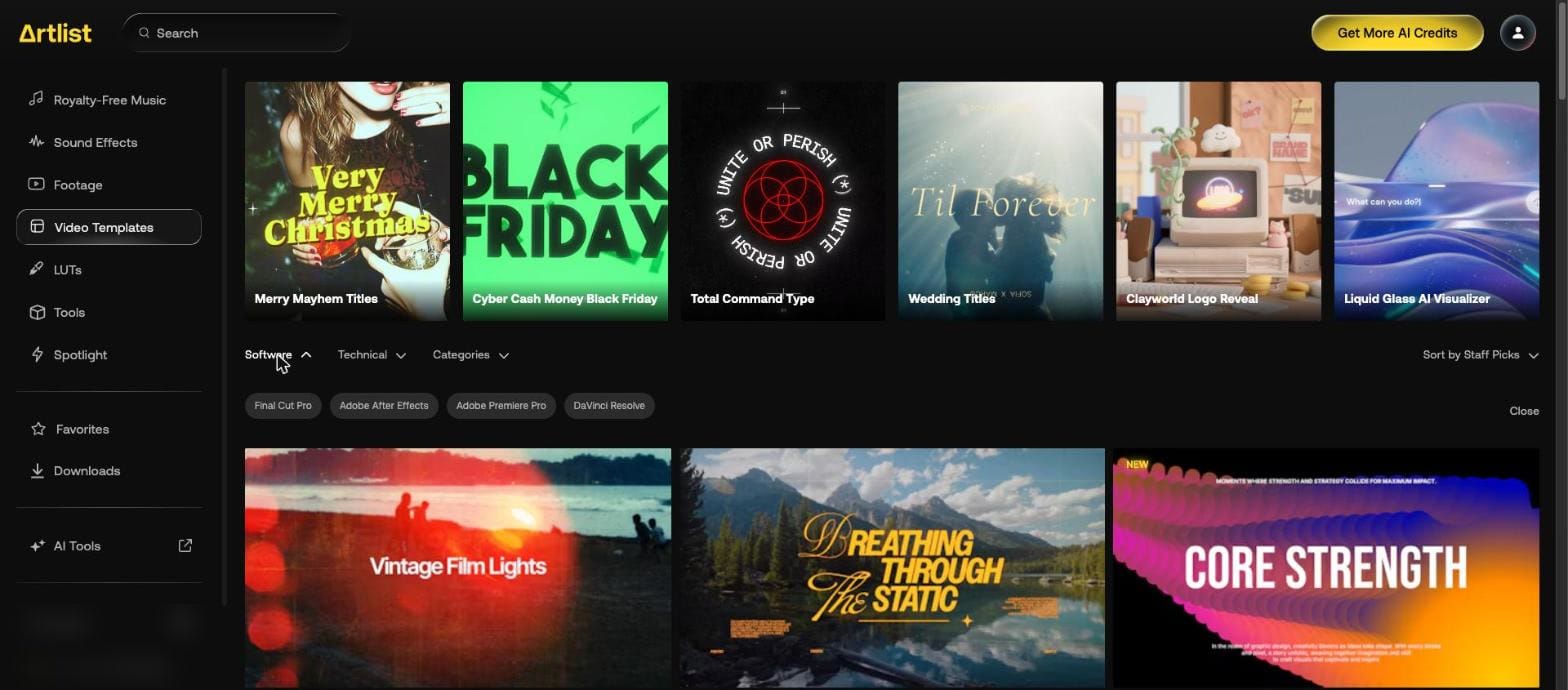
Hovering a result shows an Available Software badge.

How do you narrow templates by format and type?
| Control | Options |
|---|---|
| Software | Final Cut Pro, Adobe After Effects, Adobe Premiere Pro, DaVinci Resolve |
| Technical | 2K, 4K, HD, Vertical, Square, Wide |
| Categories | Typography & Titles, Lower Thirds, Logos, Intros, Slideshows, Infographics, Presentations, Elements, Transitions, Tools, Music Visualizer, Mock-Ups, Macros, Presets |
| Sort | Staff Picks, Top Downloads, Newest |
Which editor versions does a template list?
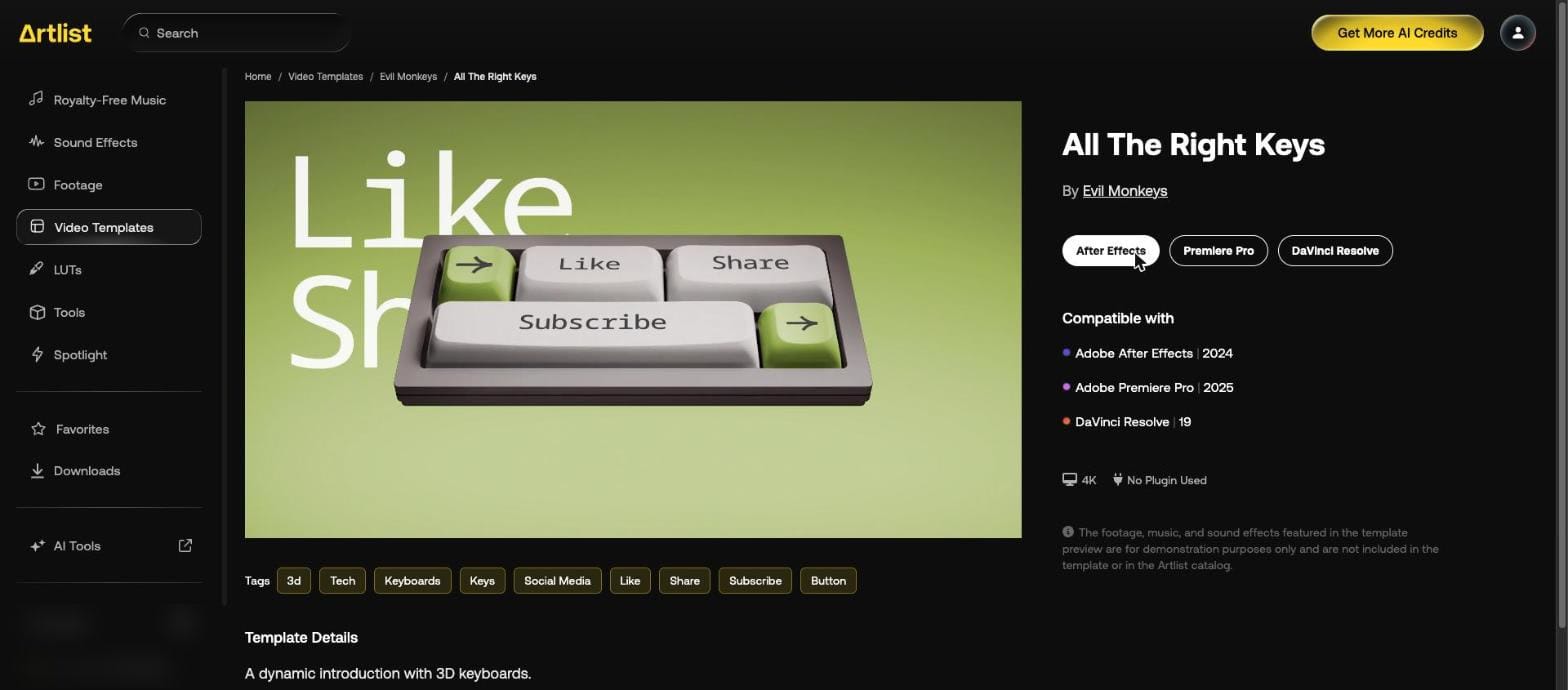
Read Compatible with on the template page. It names the version for each editor. This one also shows its resolution and "No Plugin Used".
| Editor | Version listed |
|---|---|
| Adobe After Effects | 2024 |
| Adobe Premiere Pro | 2025 |
| DaVinci Resolve | 19 |
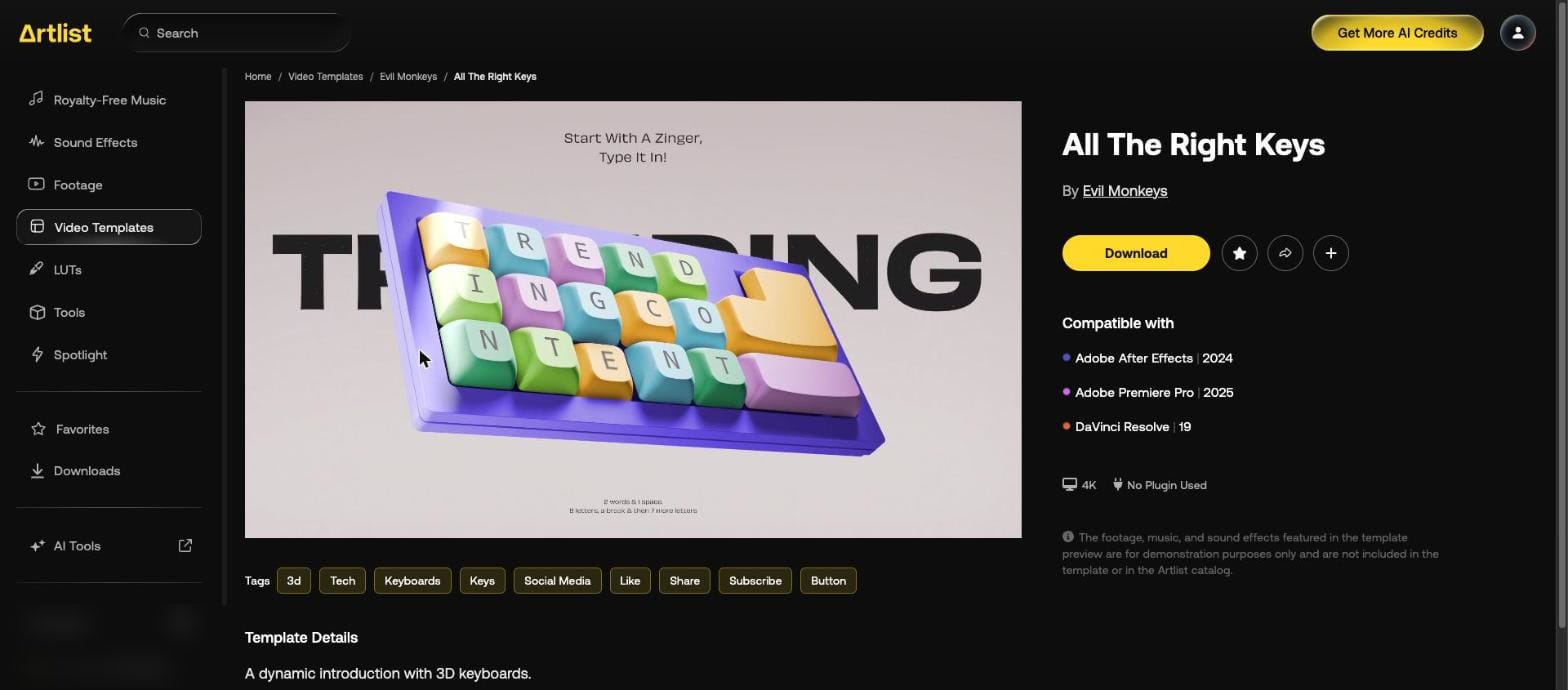
Versions differ from template to template. We searched "minimal lower thirds" with Adobe Premiere Pro under Software, and opened "Minimal Lower Thirds" by ToresMotion:
| Editor | Version listed |
|---|---|
| Adobe After Effects | 2022 |
| Adobe Premiere Pro | 2023 |
| Final Cut Pro | X 10.6 |
| DaVinci Resolve | 18 |

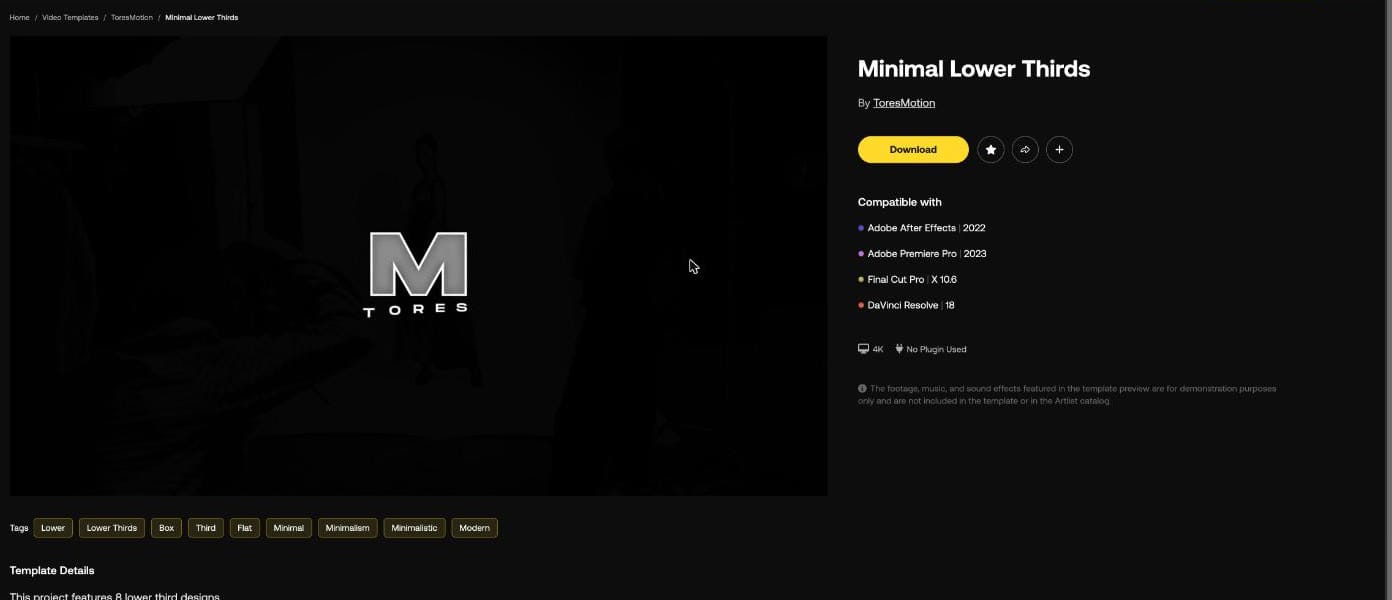
Below the tags, Template Details reads "This project features 8 lower third designs." Next to Download are a star, a share button and a plus for artboards.
Is the preview's footage and music included?
Not on the template we opened. Its page says: "The footage, music, and sound effects featured in the template preview are for demonstration purposes only and are not included in the template or in the Artlist catalog."
To fill a template, use Artlist stock footage or your own clips.
How do you download one?
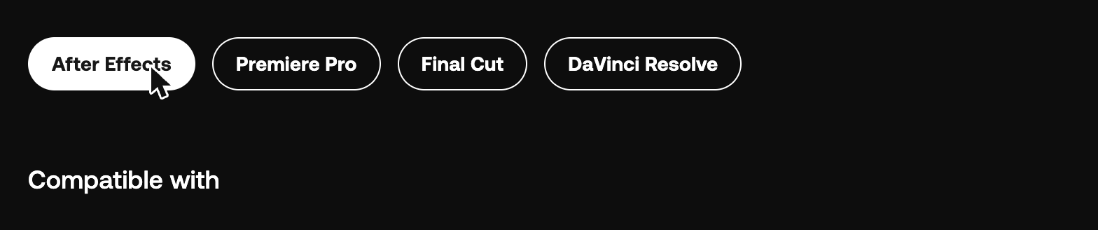
Press Download. The button becomes one choice per editor. This template offered After Effects, Premiere Pro and DaVinci Resolve.
Minimal Lower Thirds offered four buttons, one for each editor in its Compatible with list: After Effects, Premiere Pro, Final Cut and DaVinci Resolve.
What's inside a template download?
We pressed Premiere Pro on Minimal Lower Thirds. It downloaded a 9.8 MB zip named "130670_Minimal Lower Thirds_By_ToresMotion_Artlist.zip", with only the Premiere Pro files in it:
| Folder | File | What it is |
|---|---|---|
| Premiere Pro | Modern Lower Thirds.prproj | The project, 380 KB |
| Help | Tutorial PR.mp4 | A 2:50 screen tutorial, 10.4 MB |
| Help | Videos Links.txt | Nine links to video clips on Pexels |
| Fonts | Fonts Links.txt | One link, to the Inter font on Google Fonts |
The font isn't in the zip. Install Inter before you open the project.
The project file's name differs from the page: "Modern Lower Thirds" rather than "Minimal Lower Thirds".
What's in the project file?
The project file names titles Title 01 to Title 07, against eight designs on the page, with layers called Text 01, Text 02, Box, Line and CONTROLLER.
Which plans include templates?
Max and Footage & Templates. The Artlist Help Center says the second is billed yearly and has no AI tools, and the daily limit is 40 templates. Our Artlist plans page has the prices.
Our Artlist promo code page gives 2 free months on annual plans. For a soundtrack from another library, see the Epidemic Sound discount code.