
How to Find Music on Artlist: Search, Song Match and Every Filter (2026)
Last verified: 2026-11-08
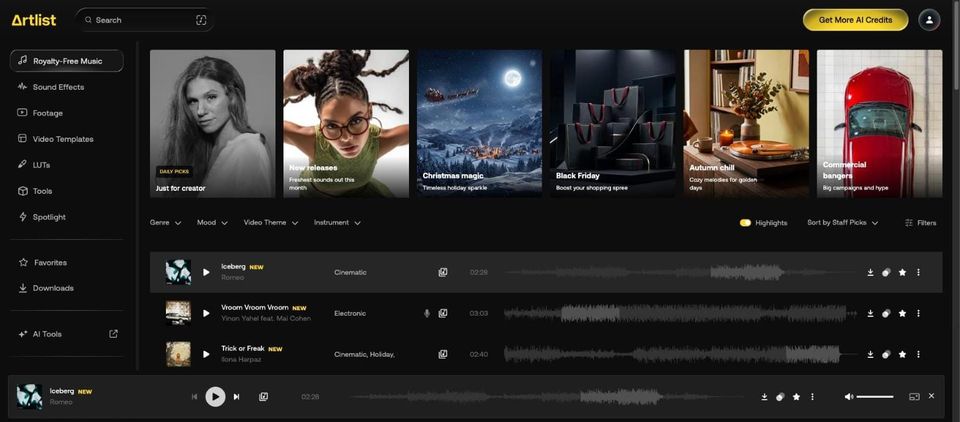
Type a description into the music search in how Artlist works, or enter a reference song in Song Match. Then narrow the list with tags and filters. Tags can also be excluded.
Can you search Artlist by describing the music?
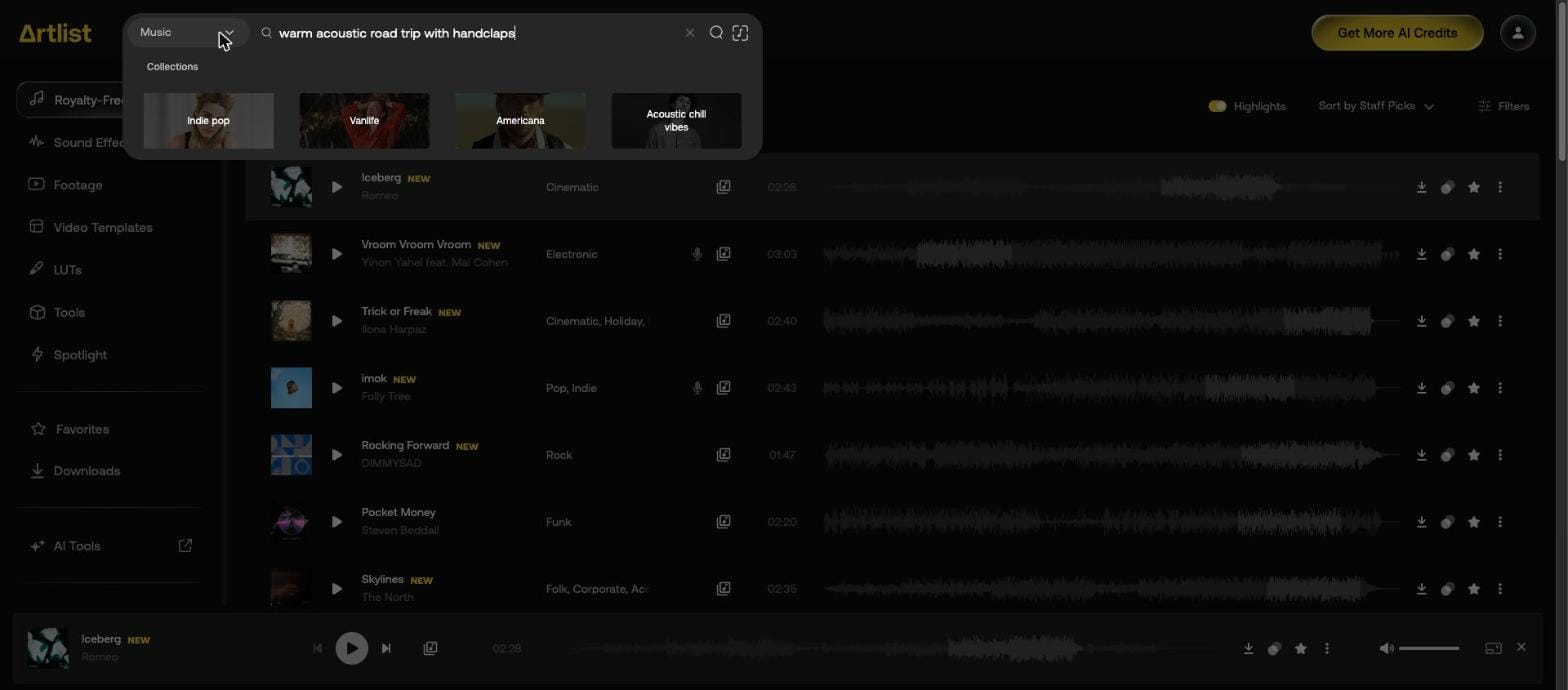
Yes. We searched for "warm acoustic road trip with handclaps". The search box also suggested four collections: Indie pop, Vanlife, Americana and Acoustic chill vibes.
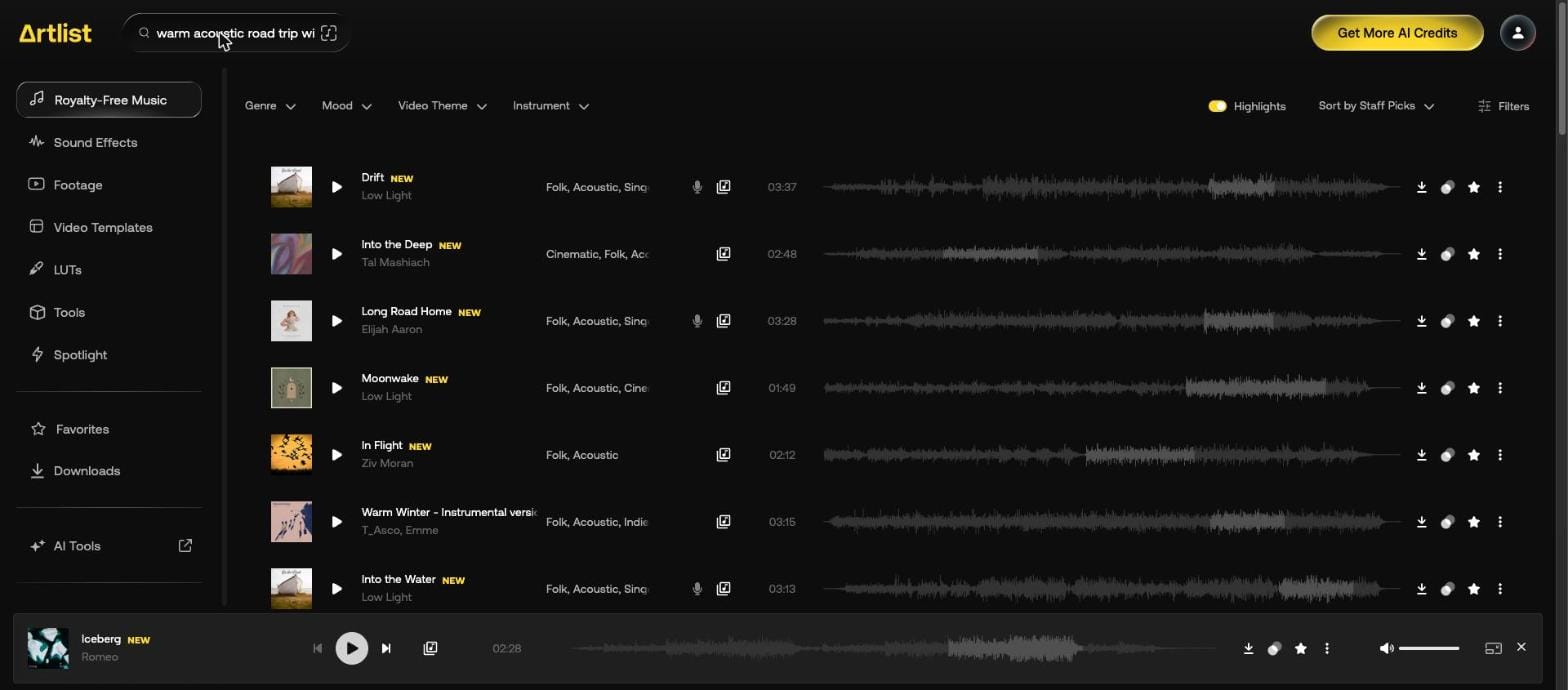
The first rows came back tagged Folk and Acoustic.
How do you find a song like another song?
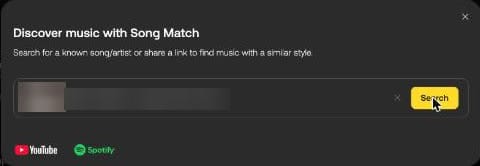
Use Song Match, the icon at the right of the search box. It takes "a song, artist, or paste a link from YouTube or Spotify".

The Artlist Help Center says it suggests 20 similar songs and accepts single tracks, not albums, channels or playlists.
We entered "Here Comes the Sun" and picked the top suggestion. Artlist returned this list.
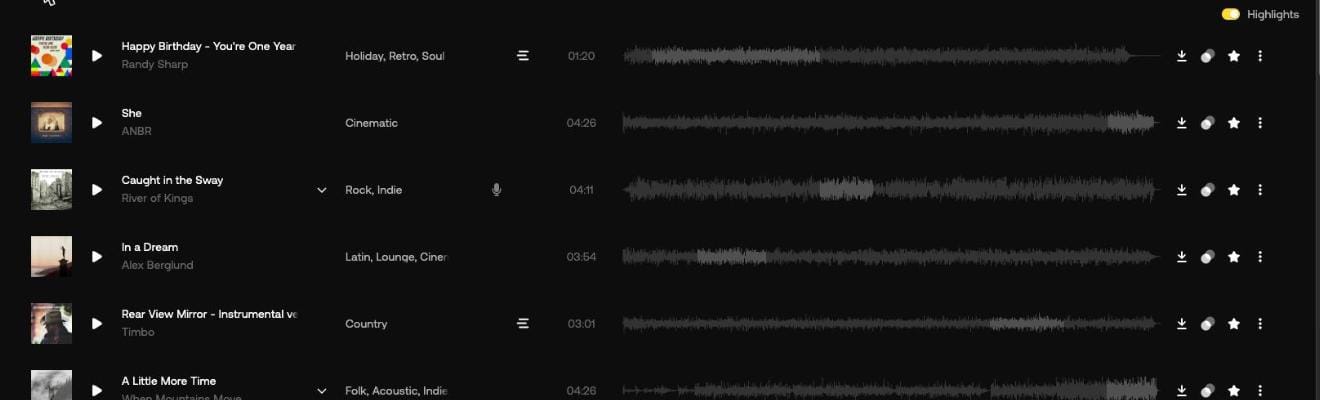
To go from a track you already found, press Similar songs on its row.
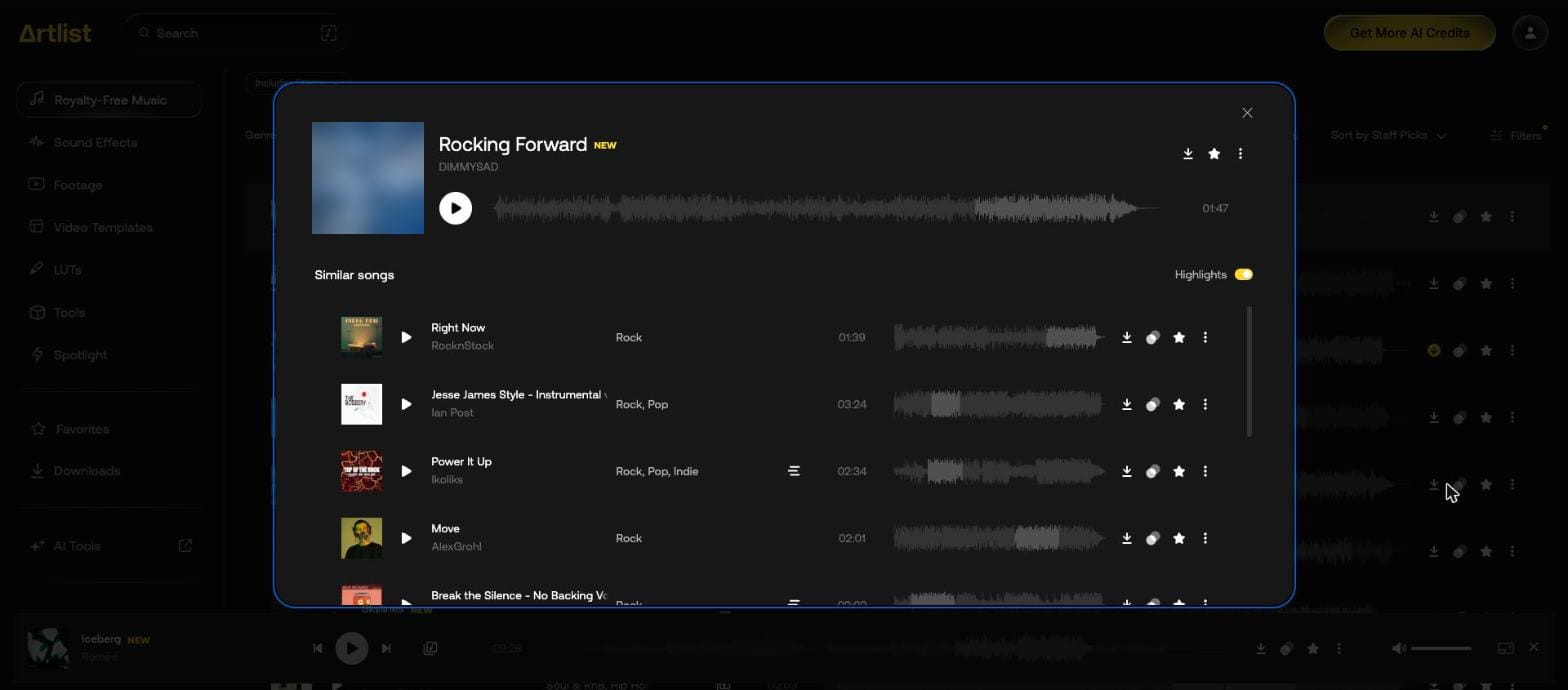
Which tags and filters does Artlist have?
| Control | Options | Examples |
|---|---|---|
| Genre | 27 tags | Cinematic, Lofi & Chill Beats, Singer-Songwriter |
| Mood | 21 tags | Uplifting, Tense, Carefree |
| Video Theme | 27 tags | Road Trip, Weddings, Shorts |
| Instrument | 22 tags | Claps & Snaps, Mandolin & Ukulele, Pads |
| Vocals/Instrumental | 7 options | Instrumental, Female Vocals, Acapella |
| Duration | Slider, 0:00 to 7:00+, plus 5 presets | < 30 sec, 4+ min |
| BPM | Slider, 20 to 200, plus 5 presets | Slow-Med, Fast; Medium is 90 to 110, Fast is 130 to 200 |
| Stems | 1 option | Includes Stems |
| Hide Downloaded | 1 option | Hide Downloaded Songs |
| Sort | 3 options | Staff Picks, Top Downloads, Newest |
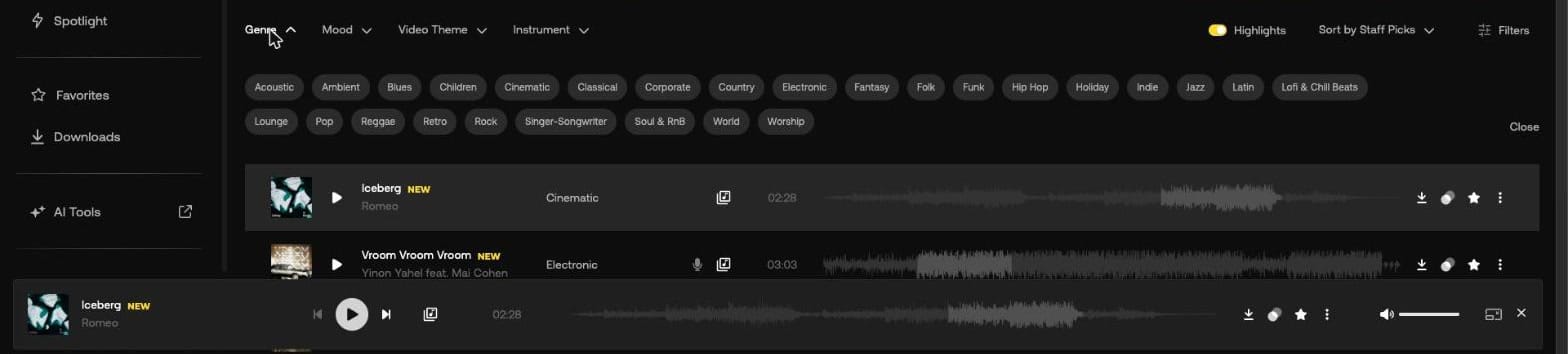

How do you combine filters?
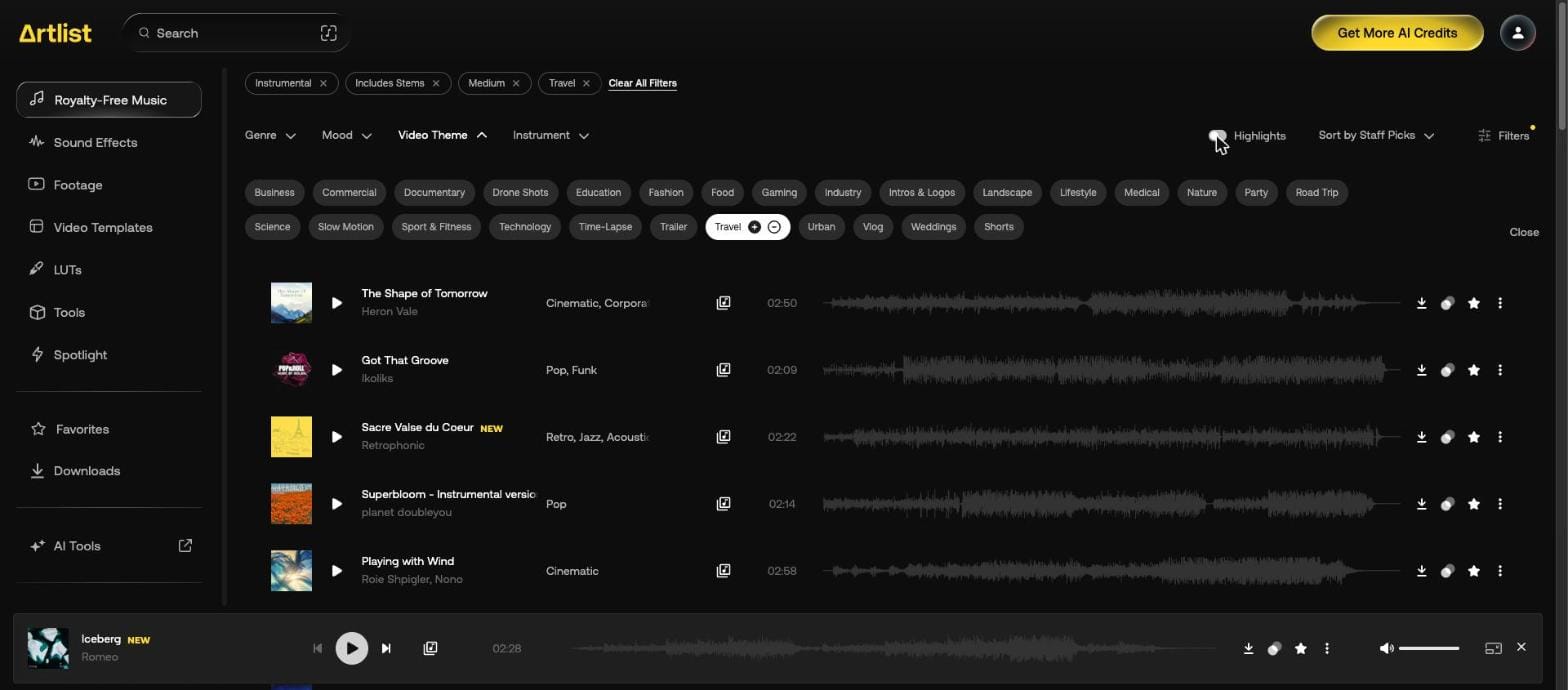
Click options one after another. Each becomes a chip above the list, and Clear All Filters removes them. This run used Instrumental, Includes Stems, Medium and Travel.


How do you exclude a tag?
Hover over a tag and press the minus button. Here it's Documentary, under Video Theme, and the chip then reads "No Documentary".

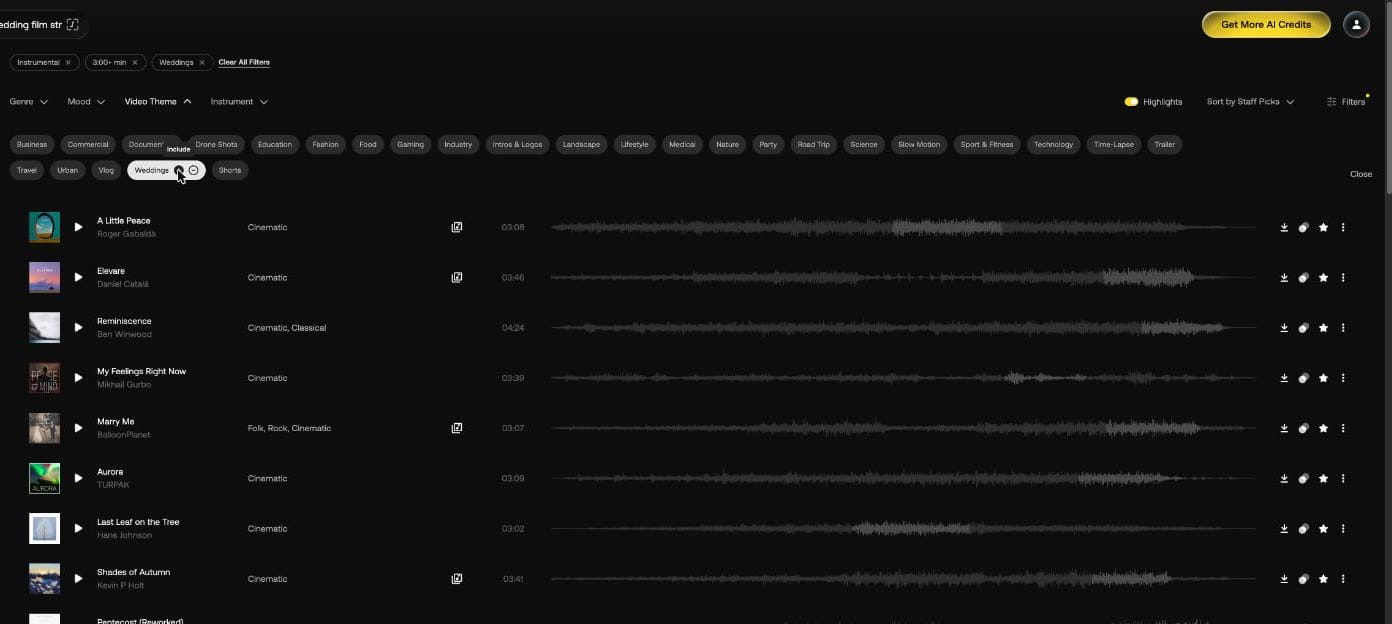
The plus button next to it has the tooltip "Include". Pressing it on Weddings added a "Weddings" chip and kept only tracks with that tag.

What does a real music search look like?
We ran three briefs from start to finish. Filters stay on when you type a new search, so press Clear All Filters between briefs.
A 20-second YouTube vlog intro
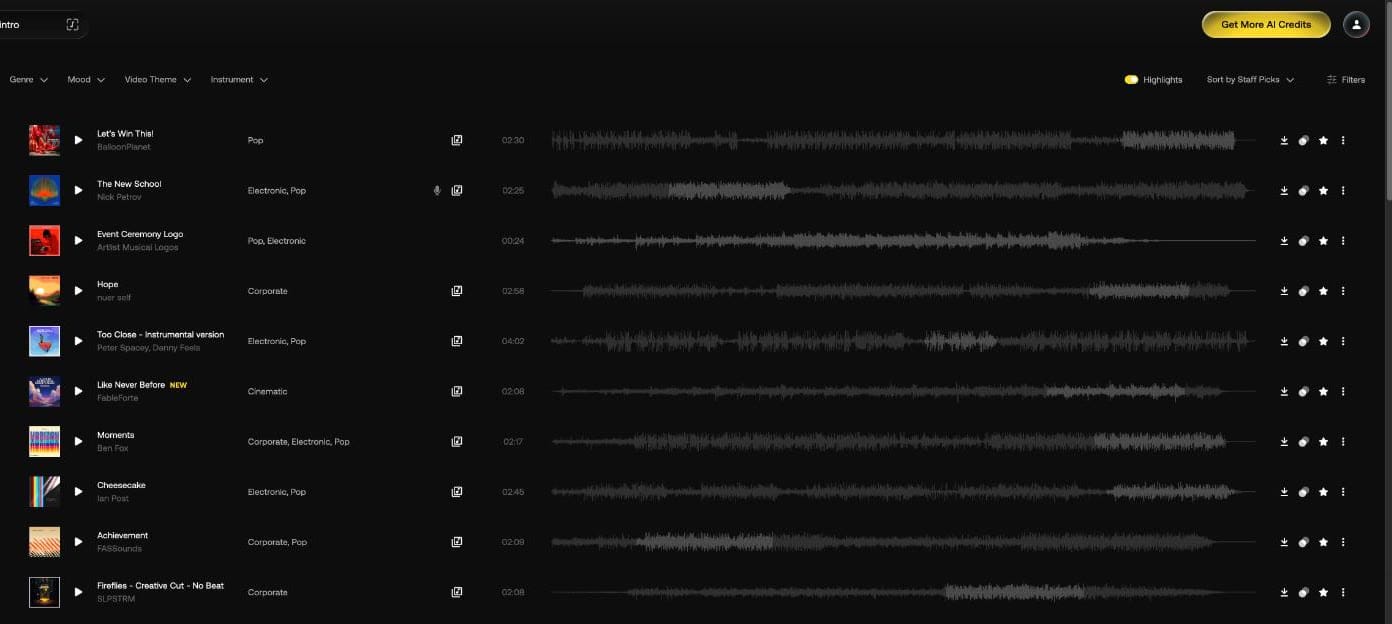
We searched "upbeat vlog intro". Ten tracks came back before a Suggested albums row, nearly all full songs between 2:08 and 4:02, such as "Let's Win This!" and "The New School".
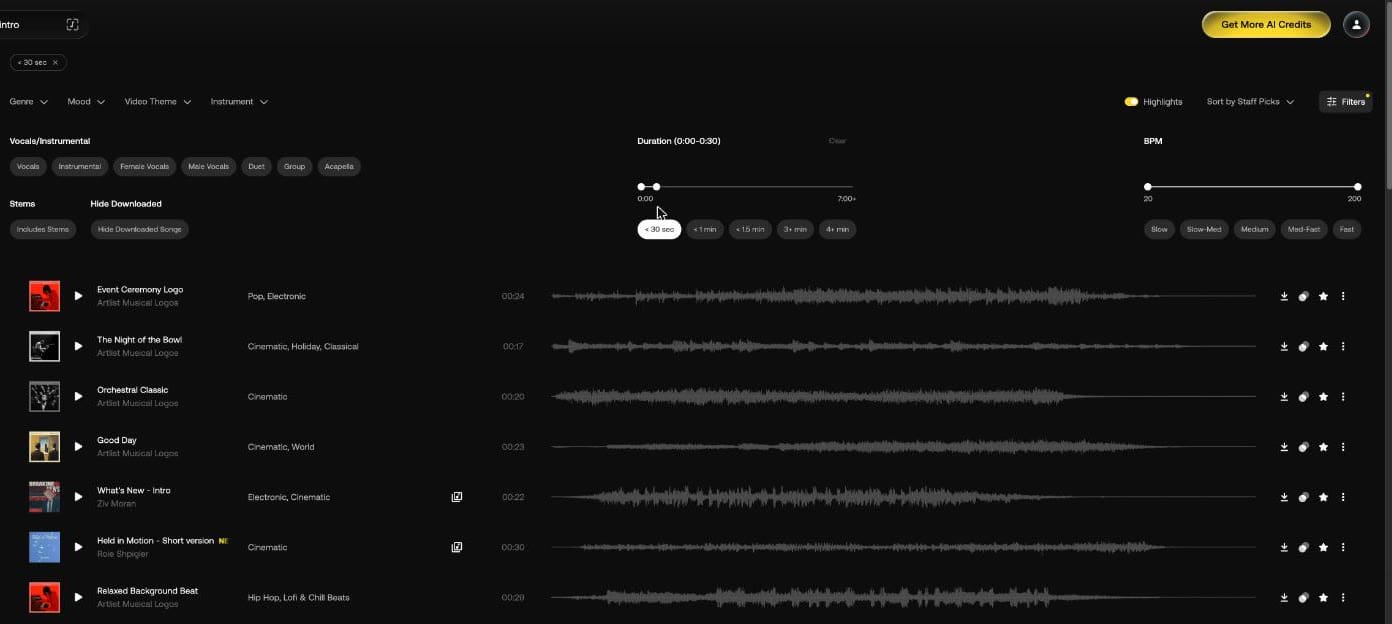
Adding the < 30 sec preset changed the Duration header to "Duration (0:00-0:30)". The list turned into short musical logos such as "Event Ceremony Logo" (0:24) and "Orchestral Classic" (0:20).
Adding Fast set the BPM header to "BPM (130-200)". Six of the first seven rows were edits of longer songs: "Lemonade - Short version" (0:25), "Will You Dance with Me - Short version" (0:24), "The Sky Within - Short version" (0:30), "Global Desk - Short version" (0:25), "Whoopsy Doodle - Creative Cut" (0:20) and "The Most Important - Intro" (0:19).
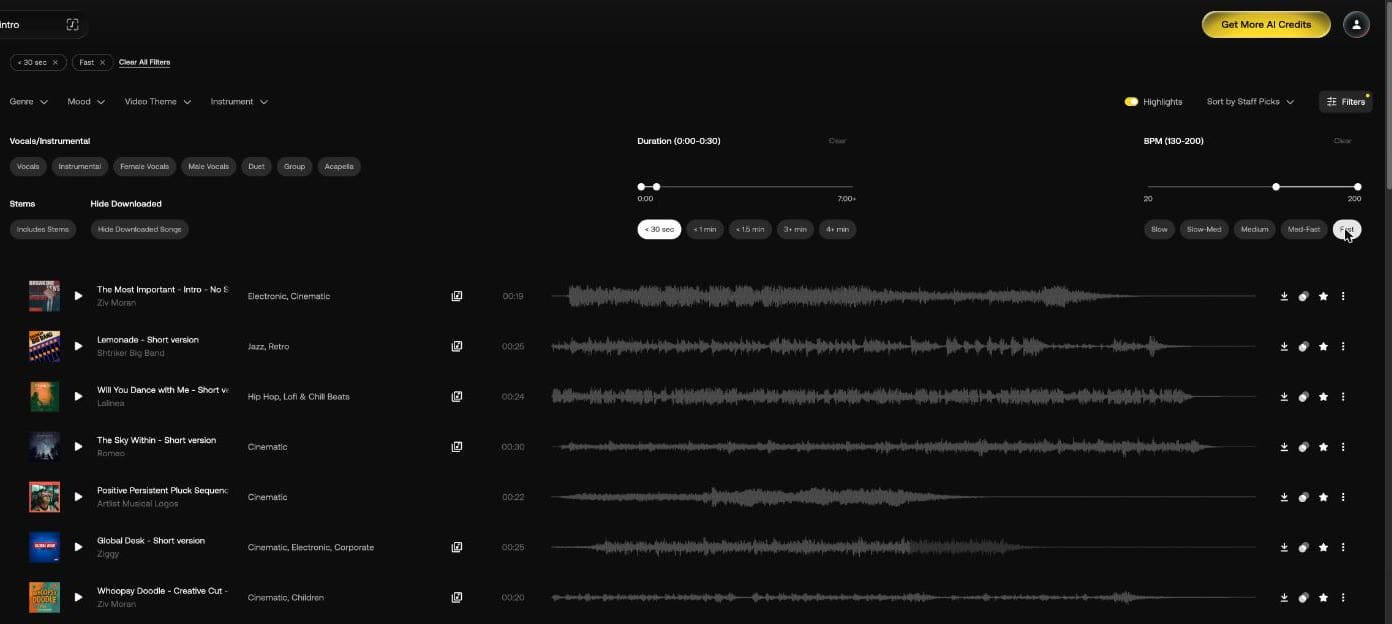
The Lemonade short version downloaded as a 25.5-second MP3 at 320 kbps, 44.1 kHz stereo, 1.0 MB. The full song runs 2:23.
A 30-second product ad
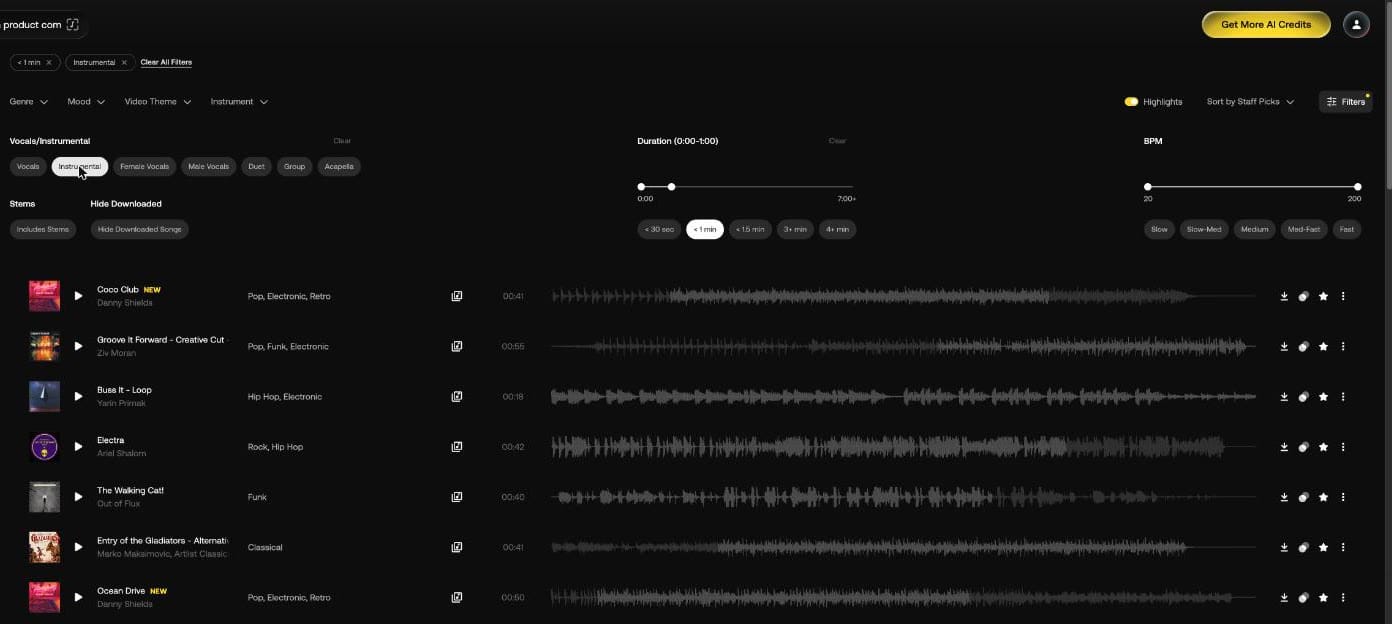
We searched "modern tech product commercial" with Instrumental and < 1 min. The list filled with loops and short cuts that missed the brief: "Buss It - Loop" (0:18), "Cheesecake - Loop" (0:17) and pop, funk and rock tracks such as "Electra".
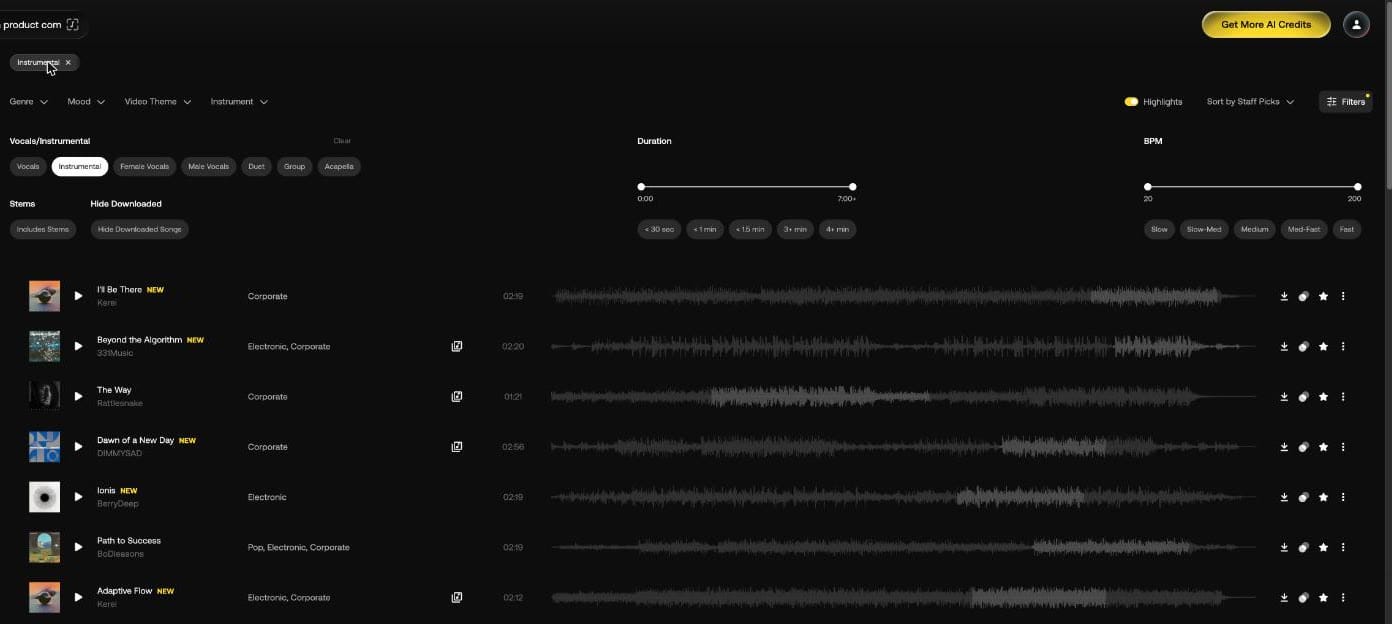
Removing the length limit brought back rows tagged Corporate and Electronic, such as "Beyond the Algorithm" (2:20), "Adaptive Flow" (2:12) and "The Way" (1:21). For a 30-second spot, the search without a length limit gave the closer list.
A wedding film
We searched "emotional wedding film strings piano" with Instrumental. Every row was tagged Cinematic, but all ran 1:35 to 2:59, short for a ceremony edit. Adding 3+ min and including Weddings gave tracks from 3:02 to 4:24, among them "A Little Peace" (3:08), "Reminiscence" (4:24) and "Marry Me" (3:07), the one row tagged Folk and Rock.
"A Little Peace" also comes in two other cuts, and its Piano and Strings parts download as separate stems.
Does Song Match work with a YouTube link?
Yes. We pasted a YouTube link to "Happy" by Pharrell Williams. The field turned the link into the video's title and thumbnail before we pressed Search.
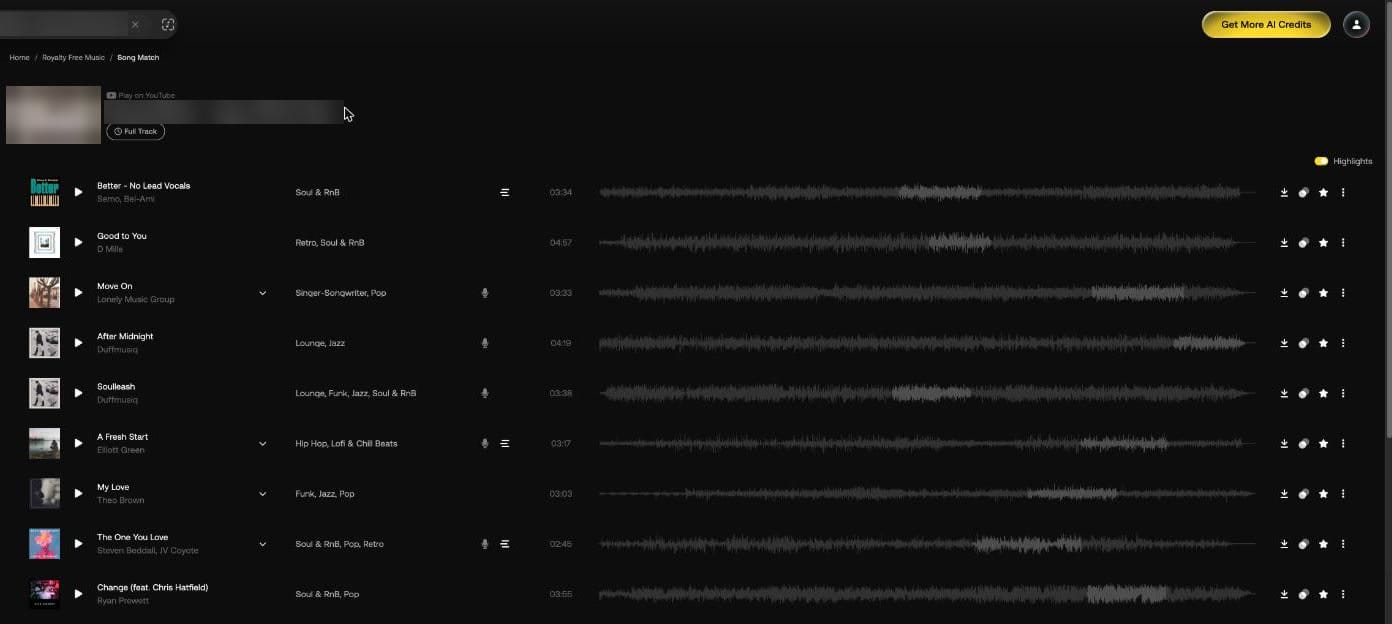
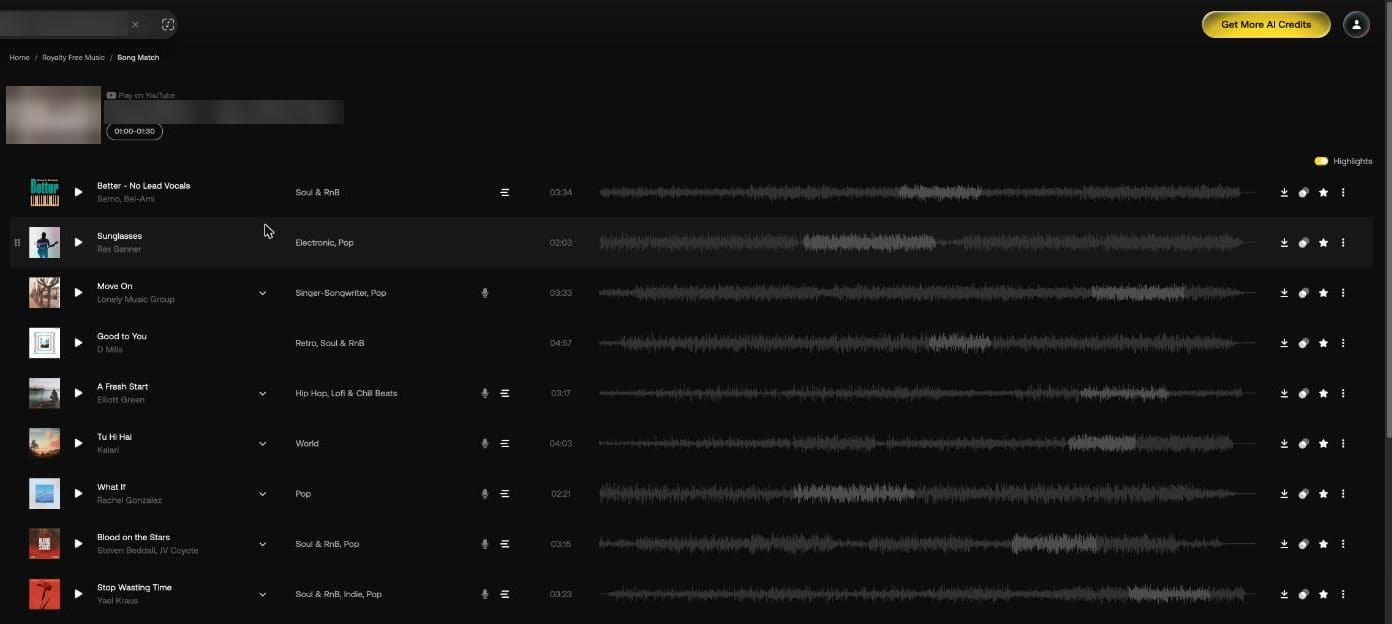
The results page has its own layout: a "Play on YouTube" label, a Full Track button and the Highlights toggle. It has no Genre, Mood or Filters row, and the filters we had set before didn't apply. The rows in view were tagged mostly Soul & RnB, Jazz, Funk and Pop, led by "Better - No Lead Vocals".
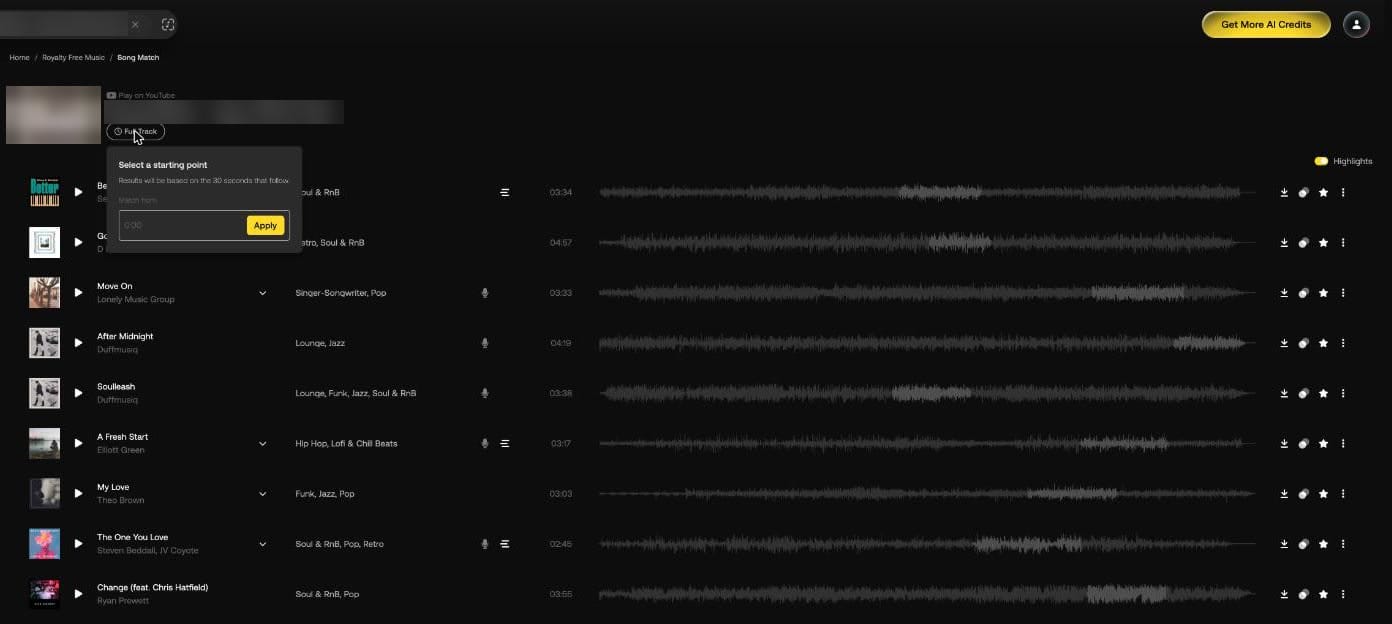
Full Track opens "Select a starting point". Its text reads "Results will be based on the 30 seconds that follow."
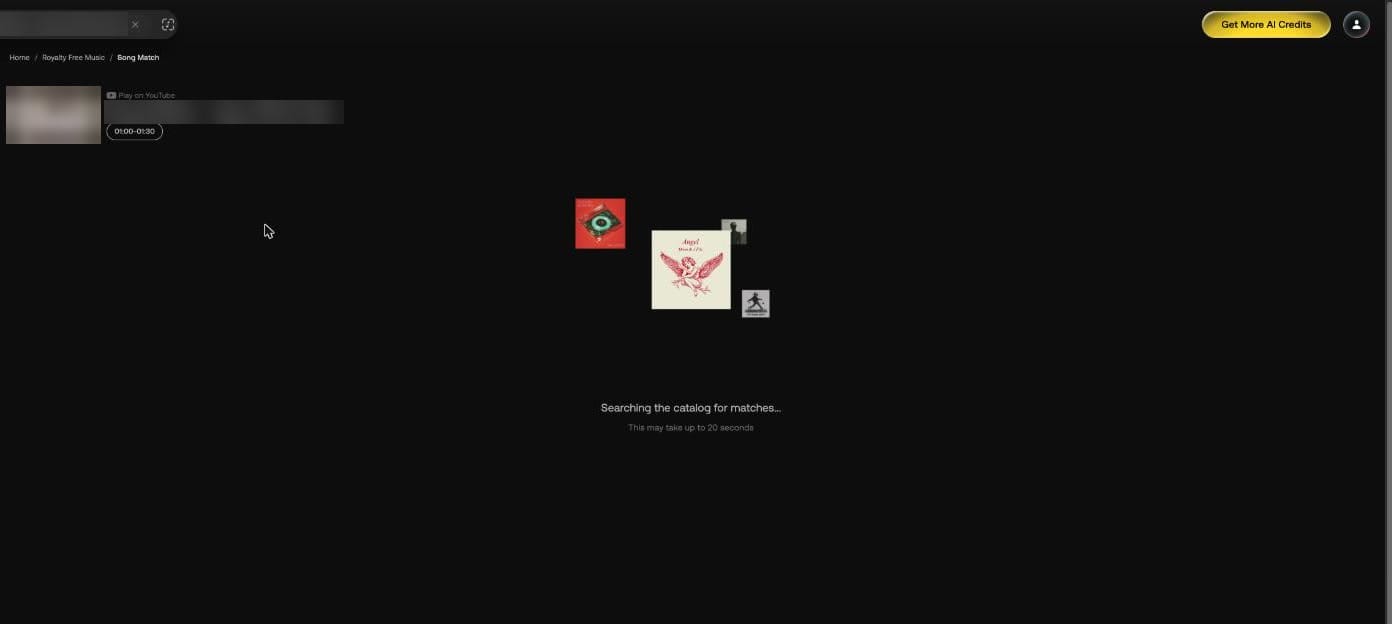
We entered 1:00 and pressed Apply. The button changed to "01:00-01:30" and the page showed "Searching the catalog for matches..." with "This may take up to 20 seconds". Our run took about 25.
Of the nine rows in view, four were in the first list too, with "Better - No Lead Vocals" still first. The new ones included "Sunglasses" (Electronic, Pop) and "Tu Hi Hai" (World).
What does Highlights do?
Highlights is on by default. It marks a lighter section of each waveform, and the Help Center says it previews results by their most exciting part. Here it is switched off, with the waveforms in one tone.
What do the icons on a track row mean?
| Control | What it does |
|---|---|
| Icon left of the length | Artlist stems and song versions |
| Down arrow beside the title | Song versions |
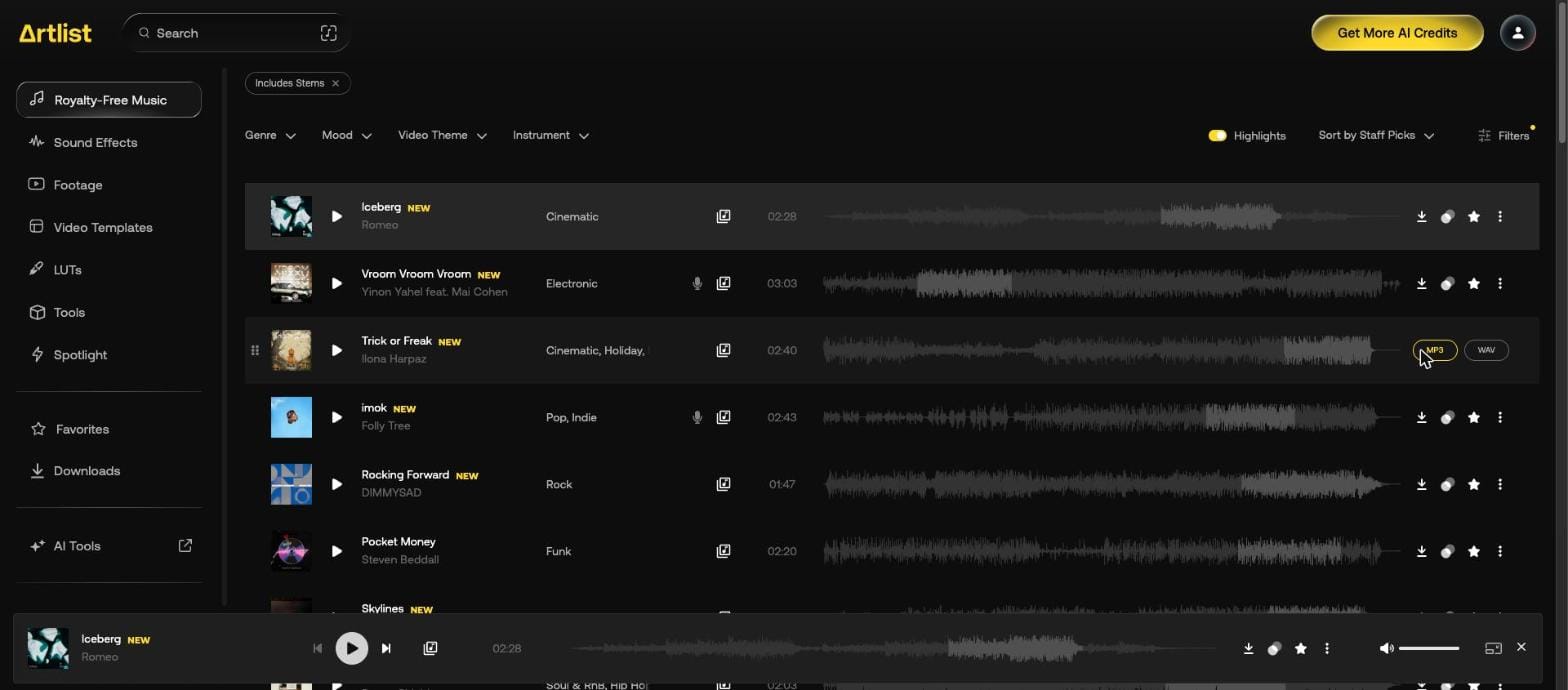
| Arrow | Download as MP3 or WAV |
| Two circles | Similar songs |
| Microphone | Lyrics, with the tooltip "Lyrics". Greyed out when a song has none |
| Star | Add to favorites |
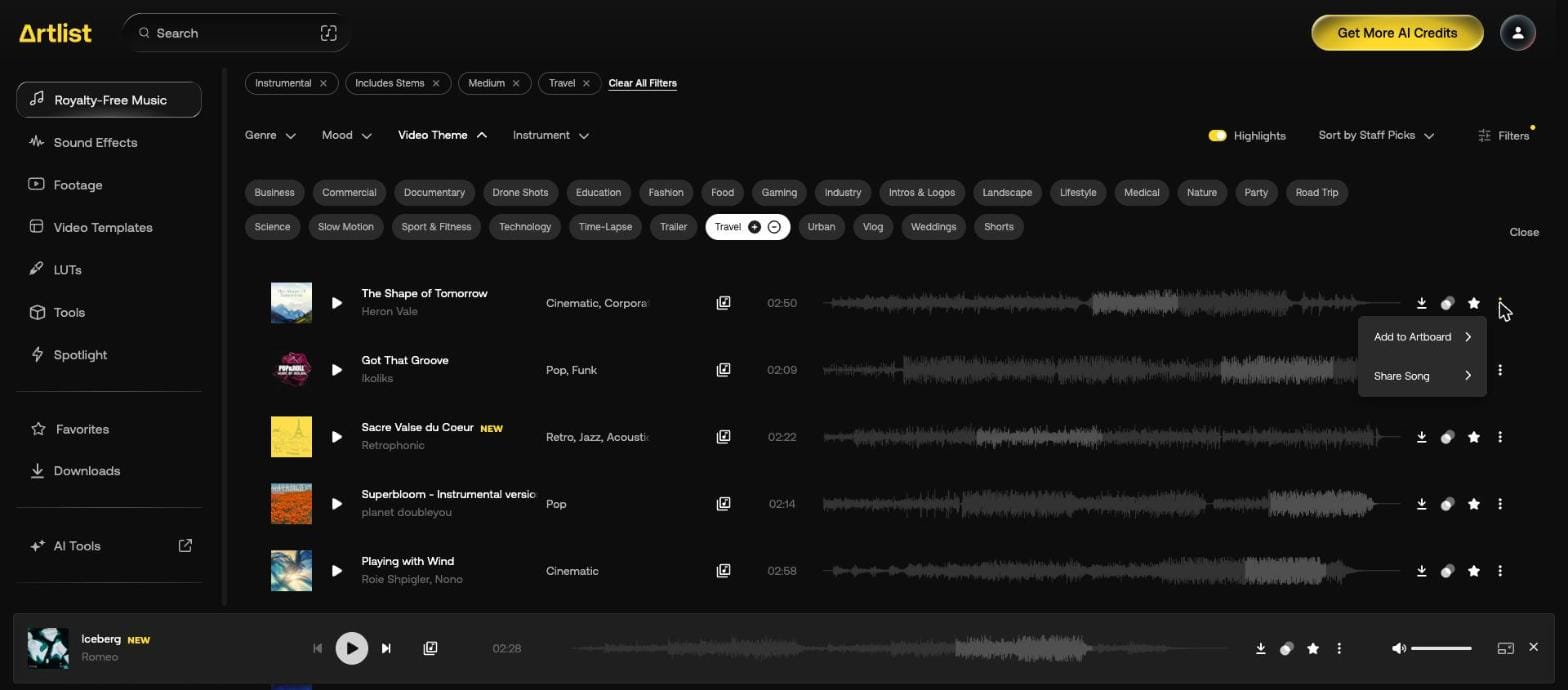
| Three dots | Add to Artboard, Share Song |
The WAV we downloaded was 24-bit, 44.1 kHz stereo, at 42.5 MB for a 2:40 track.
Sound has its own search and categories: see Artlist sound effects.
Our Artlist discount code page gives 2 free months on annual plans. For a second music library, see the Epidemic Sound discount code.