
Artlist Hub and Extensions: Library, AI Assistant and Plugins (2026)
Last verified: 2026-11-08
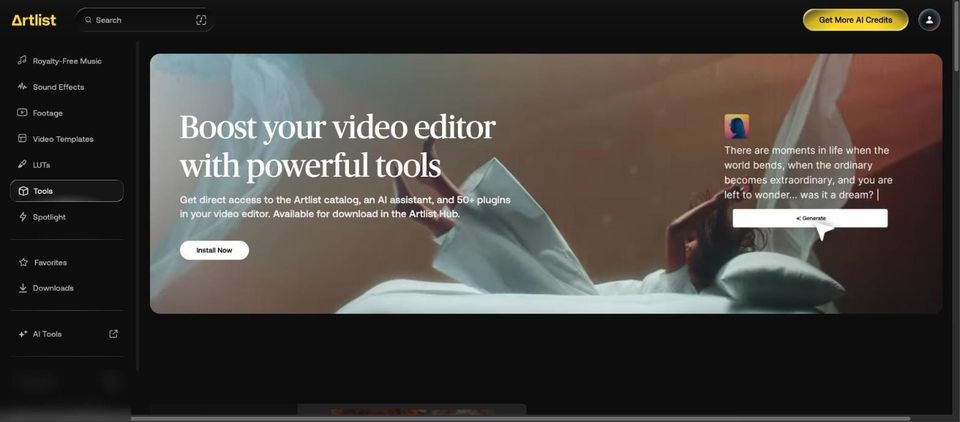
The Artlist Hub is a desktop app you install from the Tools page of the stock catalog in how Artlist works. It delivers two Premiere Pro extensions and a set of 50+ plugins for four editors.
What do you get in the Artlist Hub?
| Tool | Works in | What Artlist lists |
|---|---|---|
| Artlist Library extension | Premiere Pro | "Search and download music and sound effects", "Drag and drop assets into your timeline" |
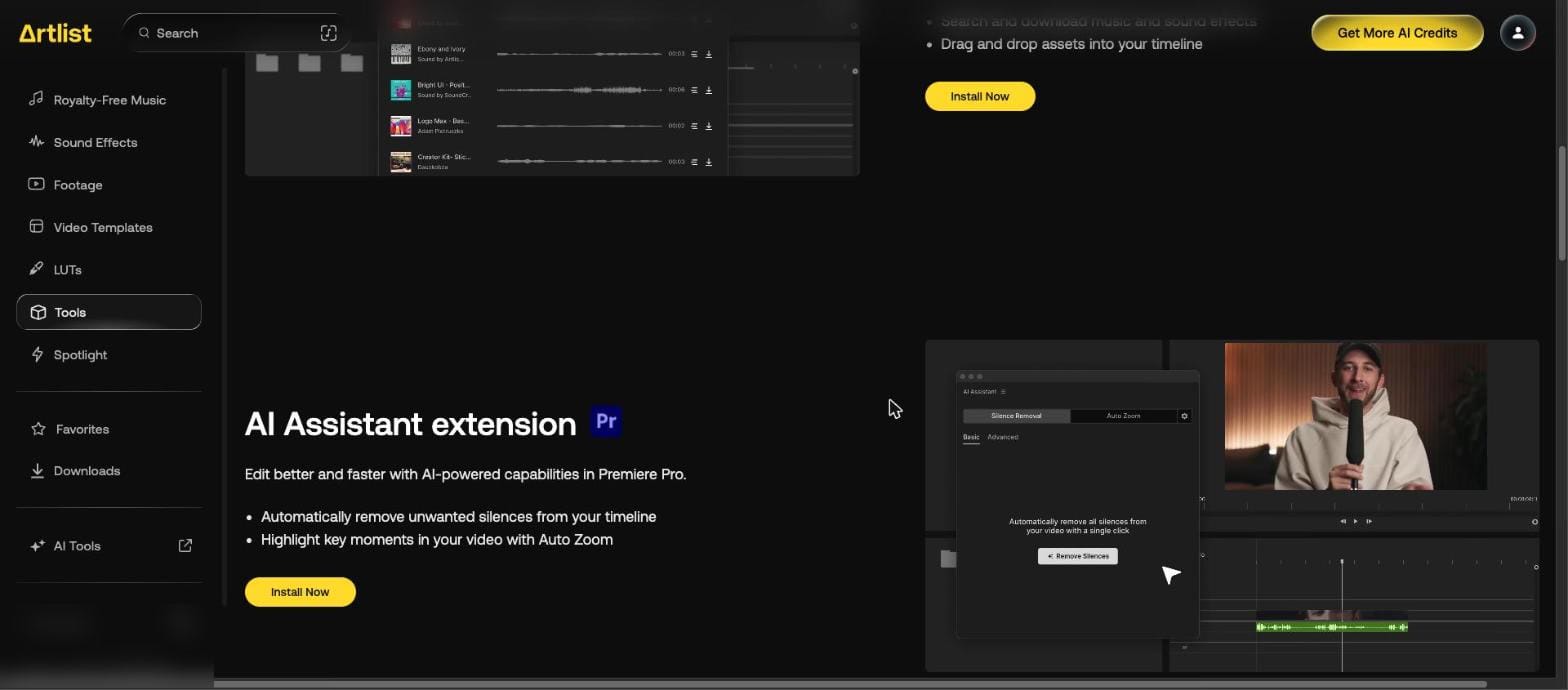
| AI Assistant extension | Premiere Pro | "Automatically remove unwanted silences from your timeline", "Highlight key moments in your video with Auto Zoom" |
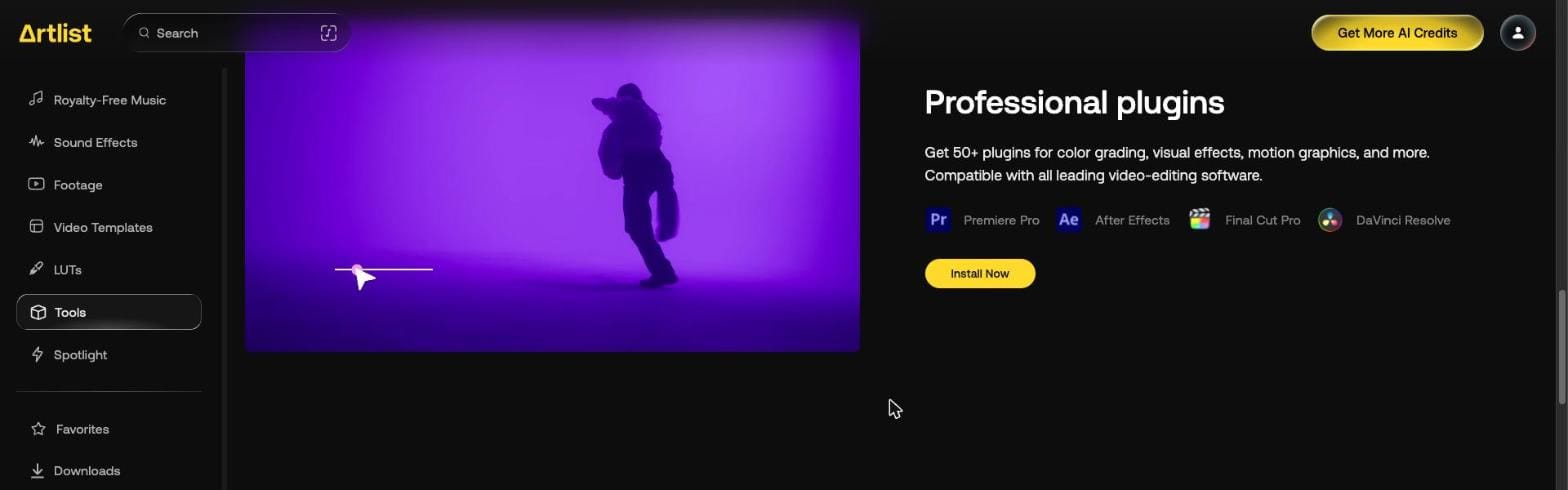
| Professional plugins | Premiere Pro, After Effects, Final Cut Pro, DaVinci Resolve | "Get 50+ plugins for color grading, visual effects, motion graphics, and more." |
How do you install the Artlist Hub?
- Open Tools in the left menu of the stock catalog.
- Press Install Now. The Hub detects your system and downloads the Windows or Mac version.
- Run the installer and accept the agreement.
- Press Sign In in the Hub and log in through the browser page that opens, with the same method you used to sign up.
What does the Artlist Library extension do?
It puts the catalog in a Premiere Pro panel. The demo on the Tools page shows Music, Sound Effects, Voiceover and Footage tabs and a search field. Tracks found with Artlist's music search come from the same catalog.
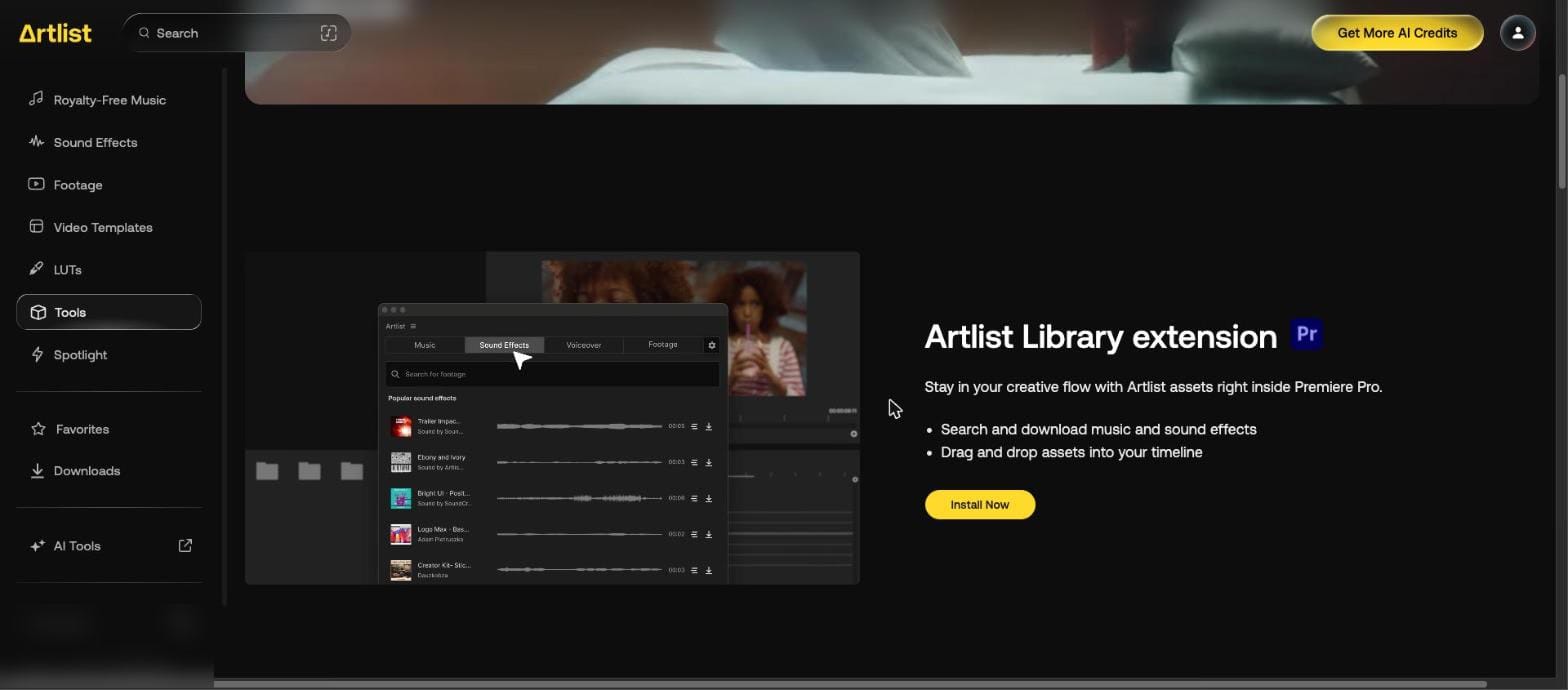
The demo's tabs cover part of what the website's stock catalog holds:
| Catalog area | Website left menu | Library extension demo |
|---|---|---|
| Music | Royalty-Free Music | Music |
| Sound effects | Sound Effects | Sound Effects |
| Footage | Footage | Footage |
| Voiceover | Not in the stock menu | Voiceover |
| Video templates | Video Templates | No tab |
| LUTs | LUTs | No tab |
To find it, restart Premiere Pro and open Window > Extensions > Artlist Library. The Help Center lists stems and footage in it too, and its daily download limit matches the website.
What does the AI Assistant extension do?
The demo has two tabs, Silence Removal and Auto Zoom, and a Remove Silences button.
Which editors do Artlist plugins work with?
Premiere Pro, After Effects, Final Cut Pro and DaVinci Resolve, though not every plugin works in all four. The Help Center says the Apple store version of DaVinci Resolve isn't compatible and that the plugins install together, with no way to pick single ones. They need a Max or Business plan; without one they show a watermark.
Is this the same as the Artlist AI plugin?
No. Generating video and images inside Premiere Pro is a separate install, covered on our Artlist Premiere Pro plugin page.
Our Artlist promo code page gives 2 free months on annual plans. For another catalog, see the Epidemic Sound coupon code.